- Modbus® RS-485 RTU Serial Communications as Master, Slave, or Snooper
- RS-485 Serial Communications Standard
- Scan up to 16 Modbus Process Variables
- Addition, Difference, Average, Multiplication, Division, Min, Max, Weighted Average, Ratio, Concentration, & More
- Large Dual-Line 6-Digit Display, 0.60" & 0.46"
- SunBright Display Standard
- NEMA 4X, IP65 Front
- Universal 85-265 VAC, or 12/24 VDC Input Power Models
- Onboard USB and ScanView Programming Software
** NEW IMPROVED WEB STORE! | All users must register for a new account. | Register now > **
BUY ONLINE TO SAVE TIME AND INCREASE ORDER ACCURACY!

Questions? (508) 655-7300
- Accessories
- Annunciators & Scanners
- Calibrators, Signal Isolators, Splitters, & Generators
- Control Stations
- Custom Enclosure Assembly
- Demo Units
- Digital Panel Meters
- Enclosures
- Explosion-Proof
- Field-Mount Indicators
- Industrial Wireless
- Intrinsically Safe
- Large Display
- Light/Horn
- Loop-Powered Meters
- Modbus Displays
- Modifications
- Multi-Channel Controllers
- Process Value Alarm Enclosure Assembly
- Sun Hoods
- Subpanel Wiring Assembly
- Temperature Controllers
- Level
- Level (Feet & Inches)
- Process
- Pressure
- Temperature
- Flow Rate/Totalizer
- Pump Control
- Chemical Bulk Storage
- Strain Gauge
- Load Cell
- Hazardous Area
- Industrial Wireless
- Batch Control
- PID Control
- Modbus
- Annunciator
- Calibration
- Data Logging
- Signal Conditioning
- Signal Generation
- Signal Isolating
- Signal Splitting
- High Current
- Speed
- Weight

ProVu Decimal Display Modbus Scanner
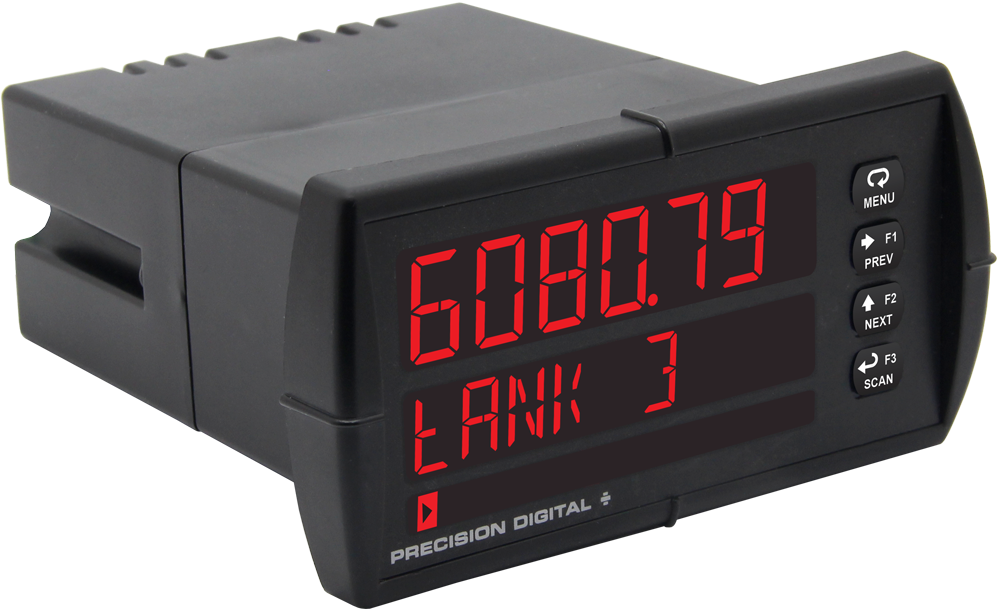
PD6088 Left
Models in stock
from $700.00
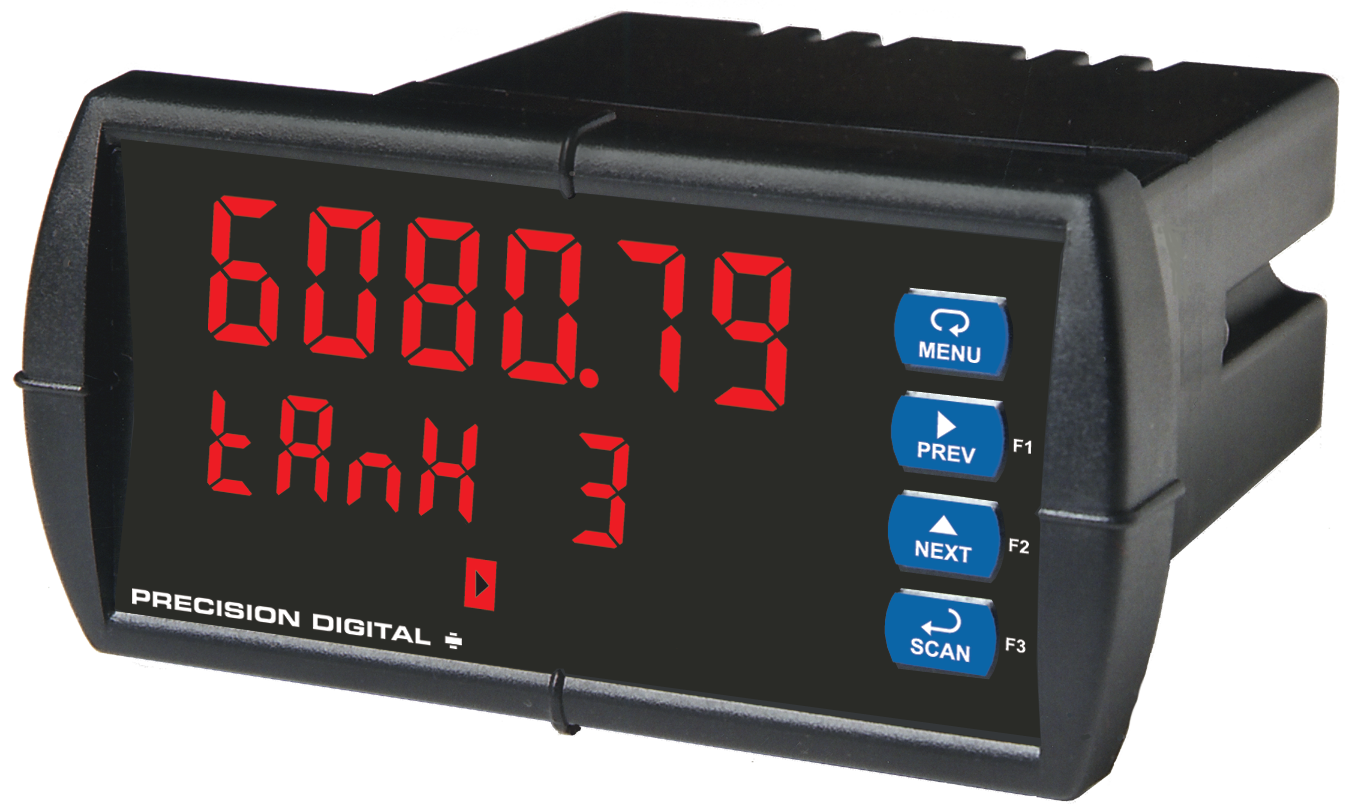
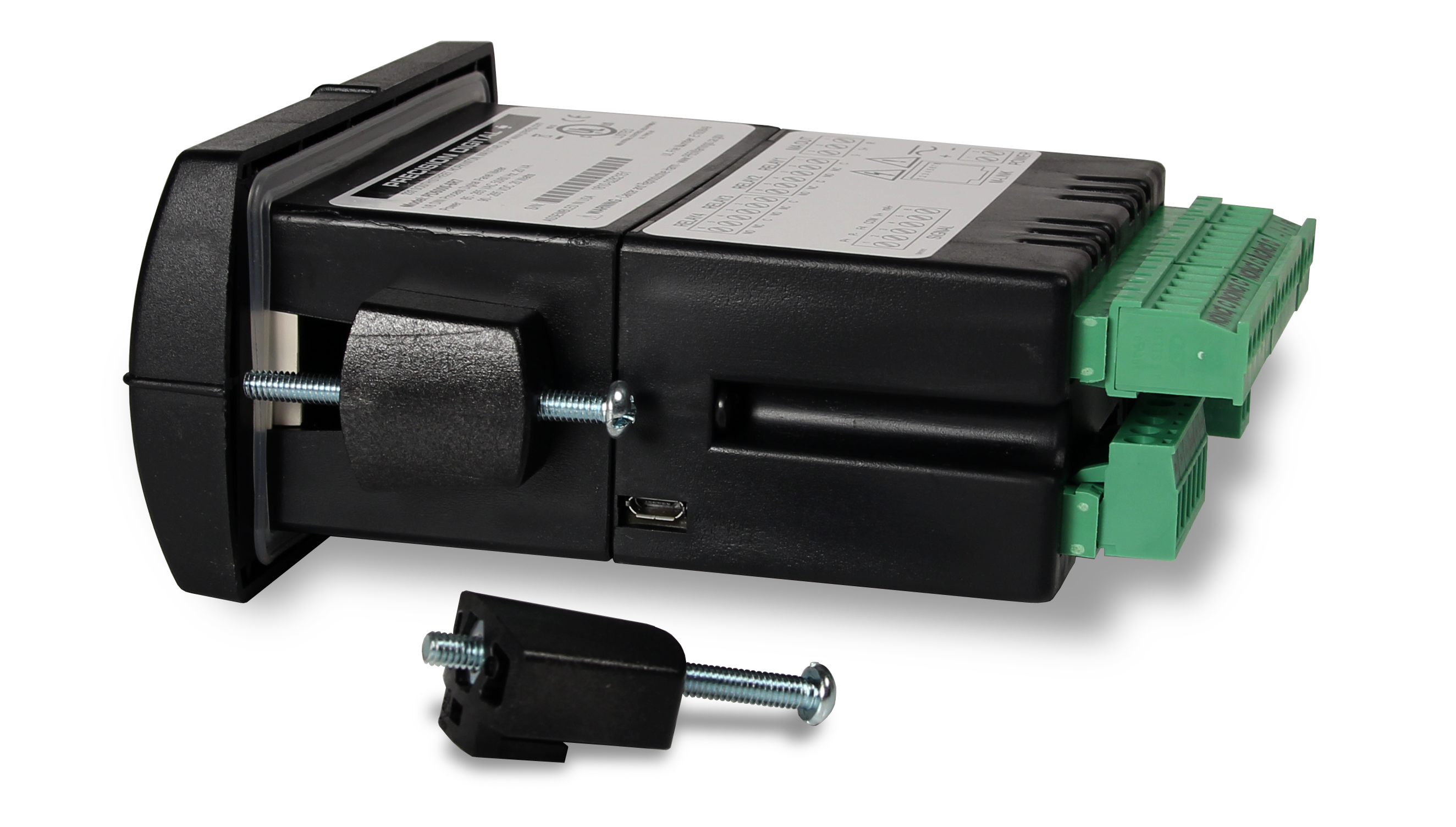
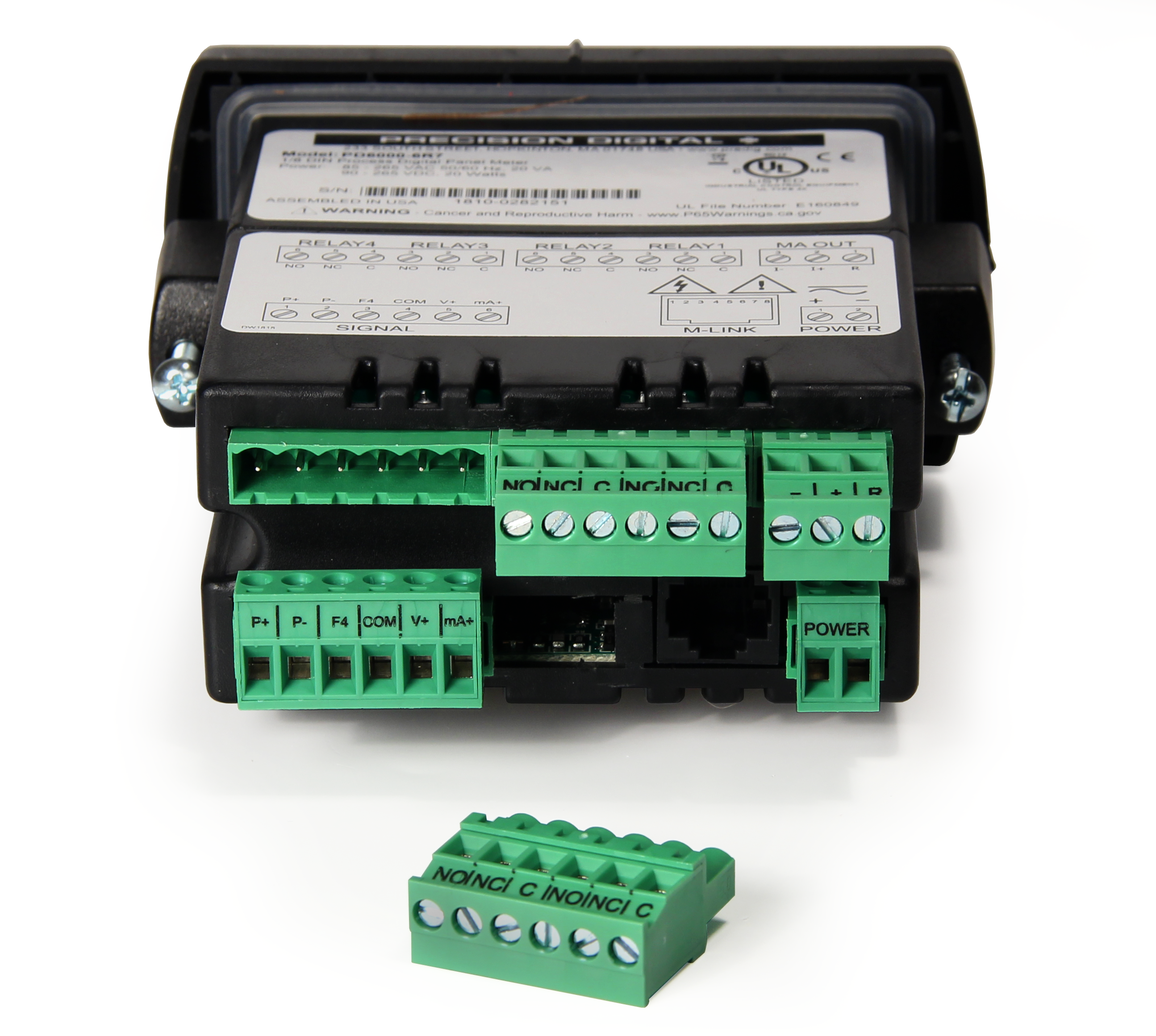
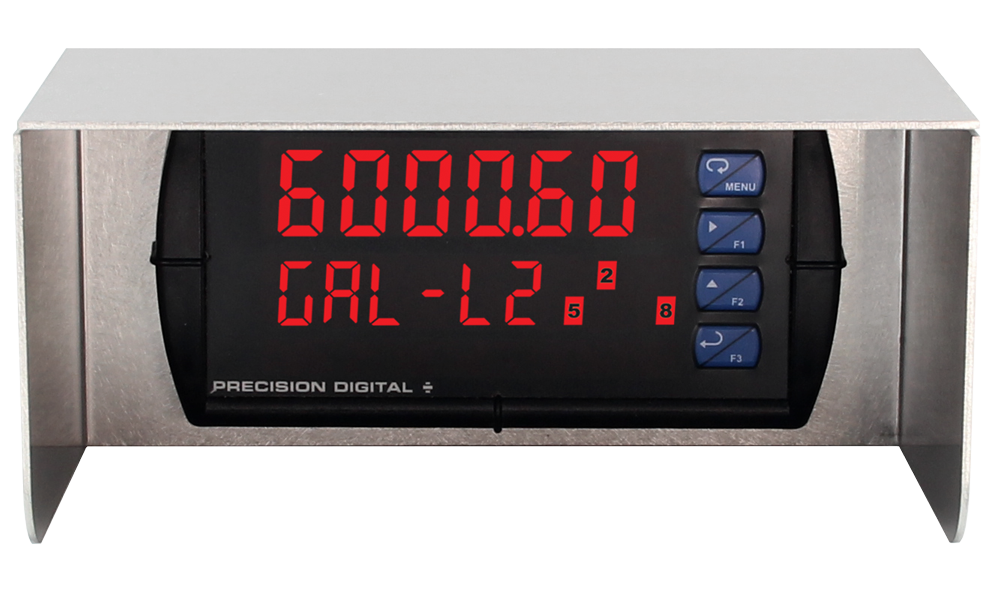
The ProVu PD6088 Super Snooper Modbus scanner displays up to 16 Modbus process variables (PVs) on the bus using its RS-485 serial input. The PD6088 can function as a Modbus master, slave, or snooper. As a Modbus master, the PD6088 can poll multiple Modbus devices for up to 16 Modbus process variables. As a slave, a Modbus master can write up to 16 PVs to the scanner for display. In snooper mode, it can sit anywhere on the Modbus network and display up to 16 PVs being polled on the bus. When connecting a scanner in snooper mode, no other Modbus devices on the network need to be reconfigured, making it easy to add additional local or remote displays to a Modbus network. Like all ProVu meters, the PD6088 includes UL / C-UL listing and CE marking, a NEMA 4X front, and AC or DC power options. Various math functions may be applied to the analog or Modbus inputs, such as addition, difference, average, and ratio.
Why Should You Buy:
- Modbus Input
- Math Functions
- USB Programming


The ProVu PD6088 Super Snooper Modbus scanner displays up to 16 Modbus process variables (PVs) on the bus using its RS-485 serial input. The PD6088 can function as a Modbus master, slave, or snooper. As a Modbus master, the PD6088 can poll multiple Modbus devices for up to 16 Modbus process variables. As a slave, a Modbus master can write up to 16 PVs to the scanner for display. In snooper mode, it can sit anywhere on the Modbus network and display up to 16 PVs being polled on the bus. When connecting a scanner in snooper mode, no other Modbus devices on the network need to be reconfigured, making it easy to add additional local or remote displays to a Modbus network. Like all ProVu meters, the PD6088 includes UL / C-UL listing and CE marking, a NEMA 4X front, and AC or DC power options. Various math functions may be applied to the analog or Modbus inputs, such as addition, difference, average, and ratio.
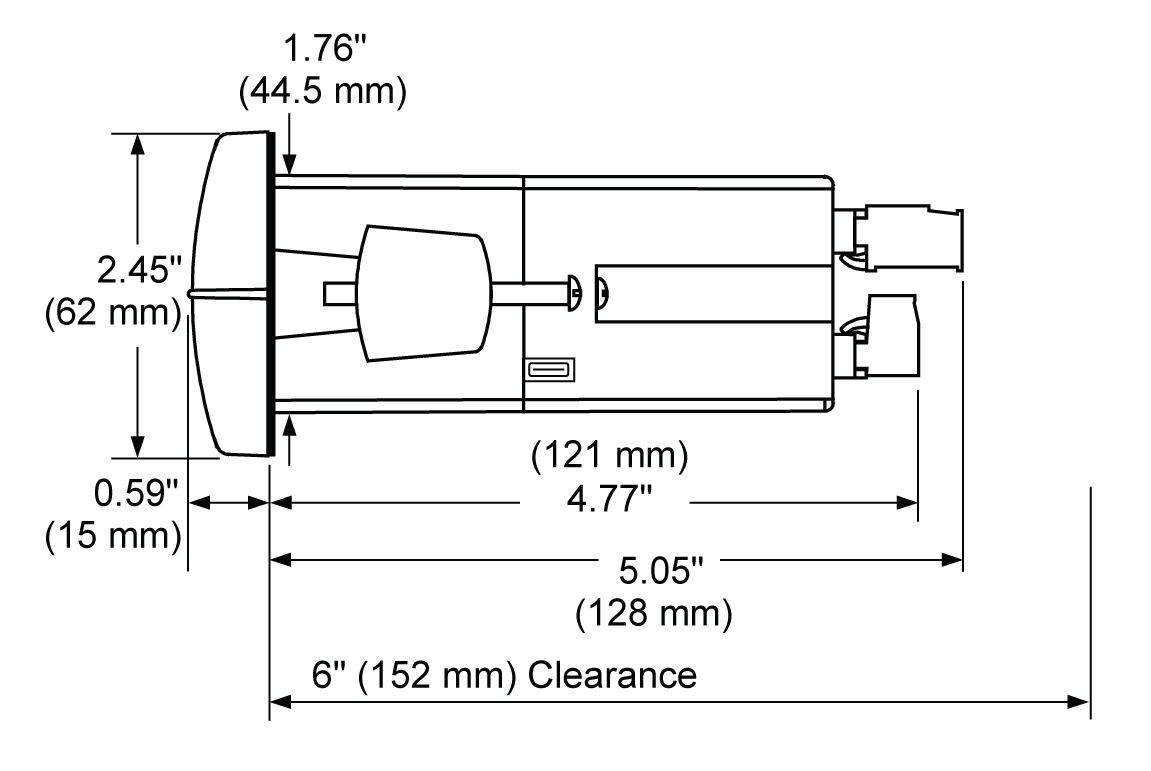
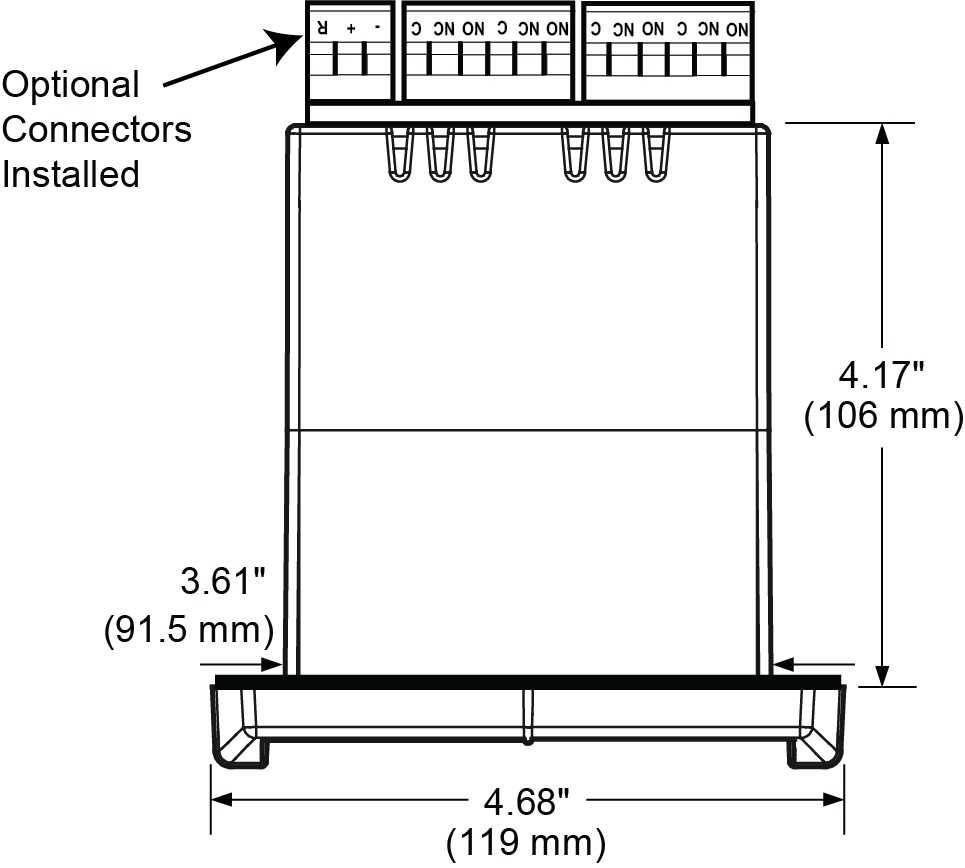
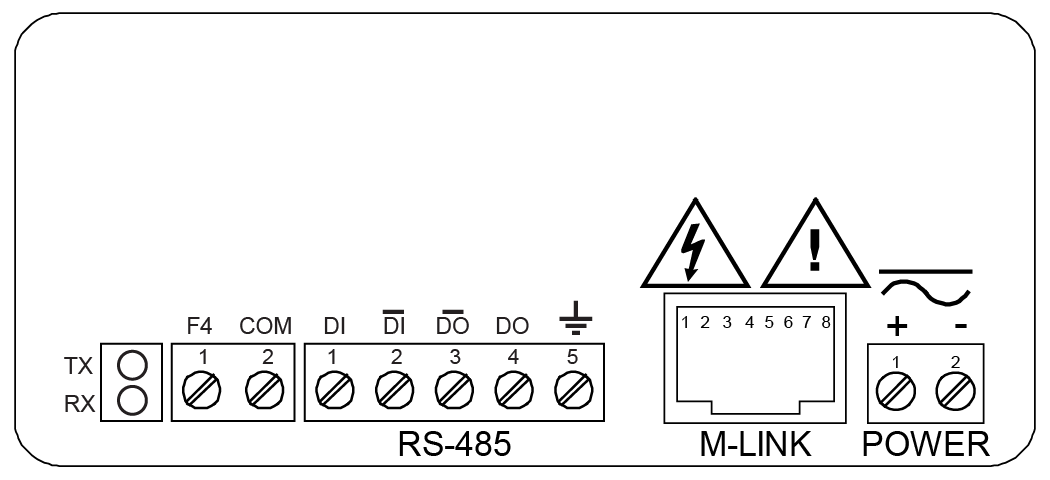
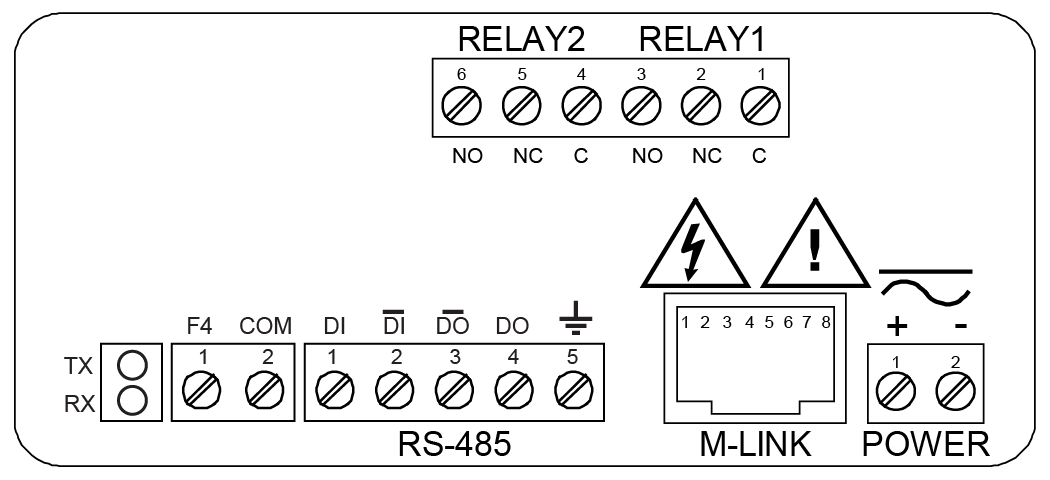
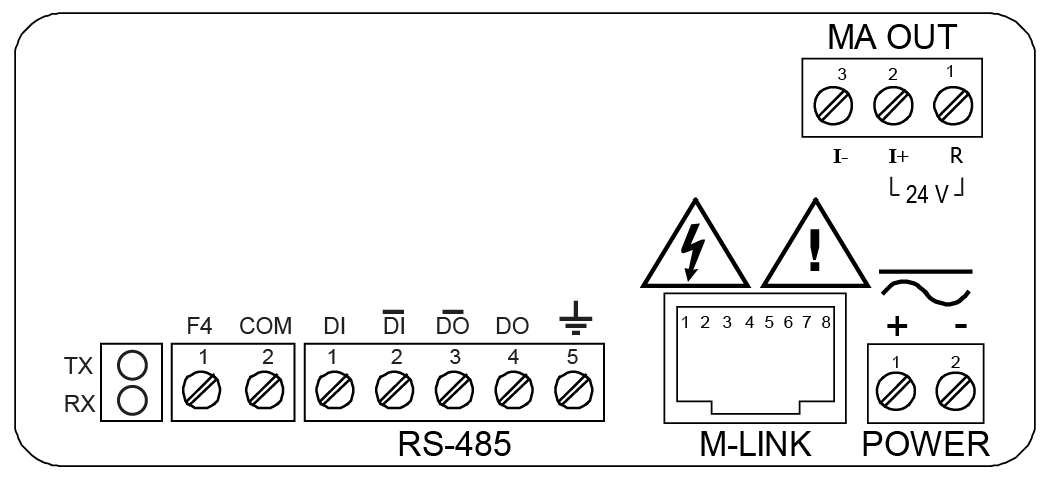
Inches (mm)

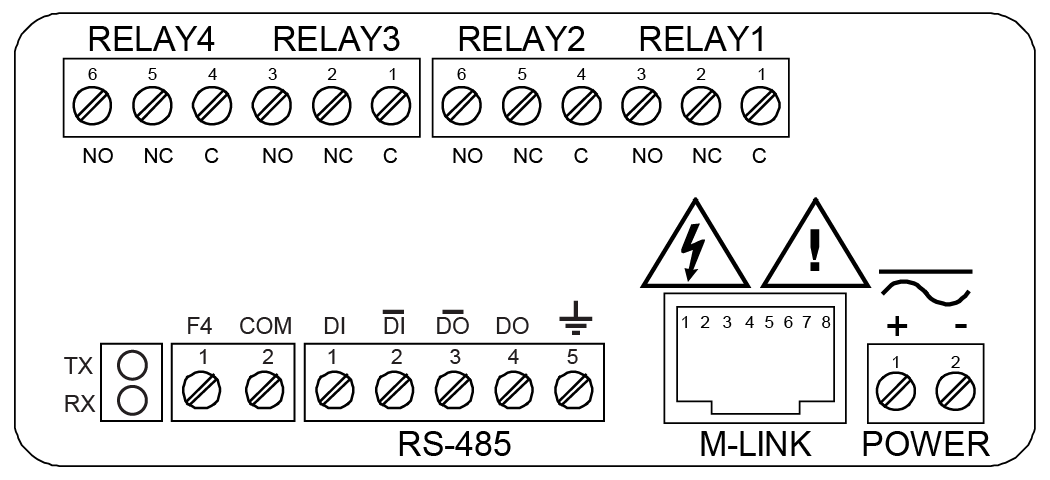
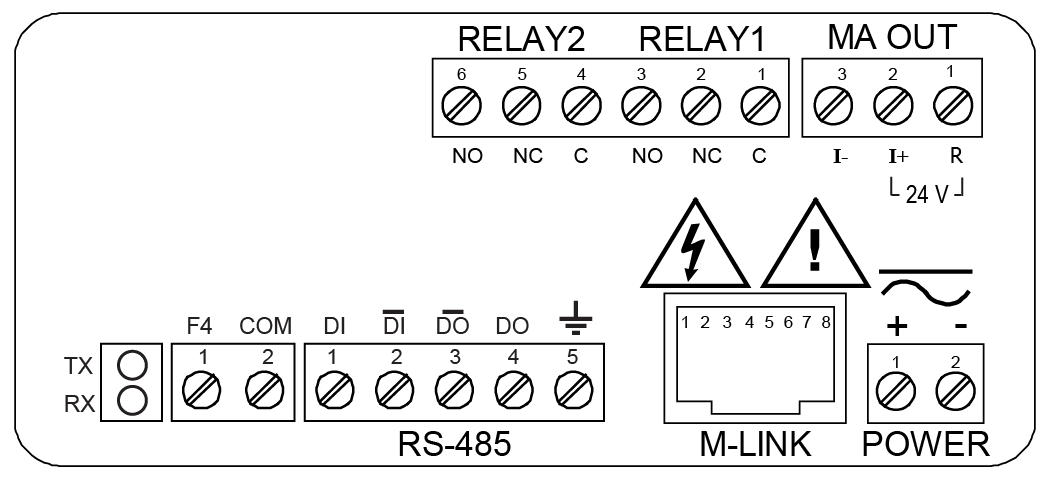
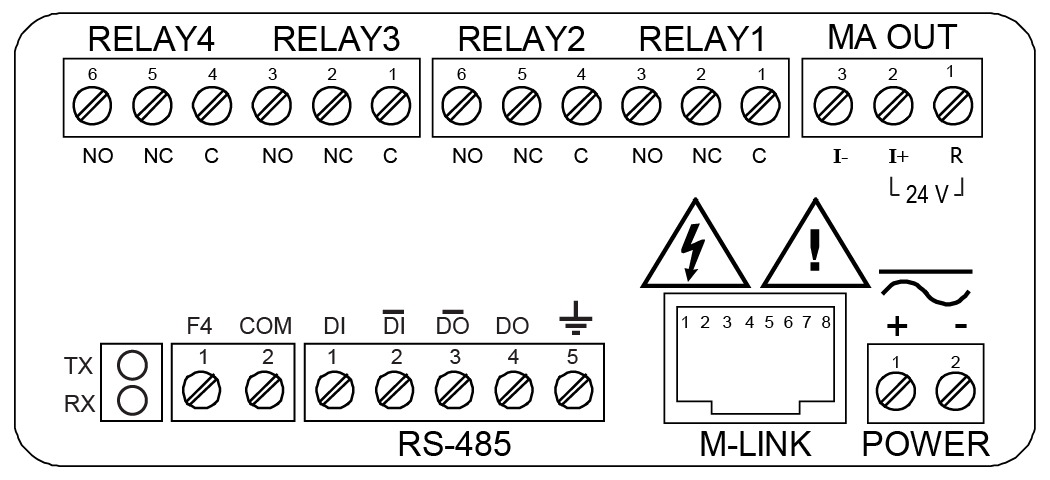
×![Enlarged View]()
Documentation & Resources
Product Information (3)


Modbus Register Tables (1)
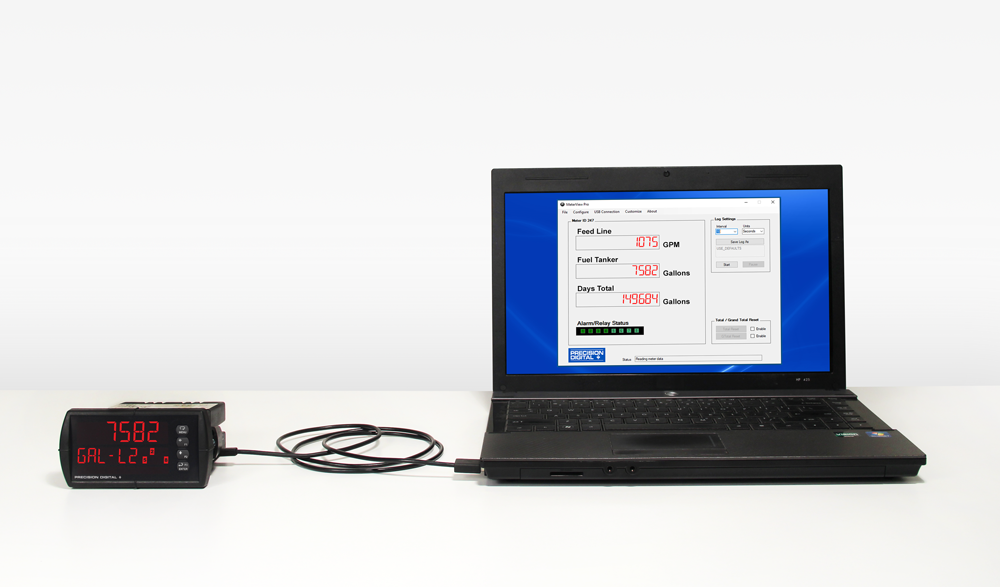
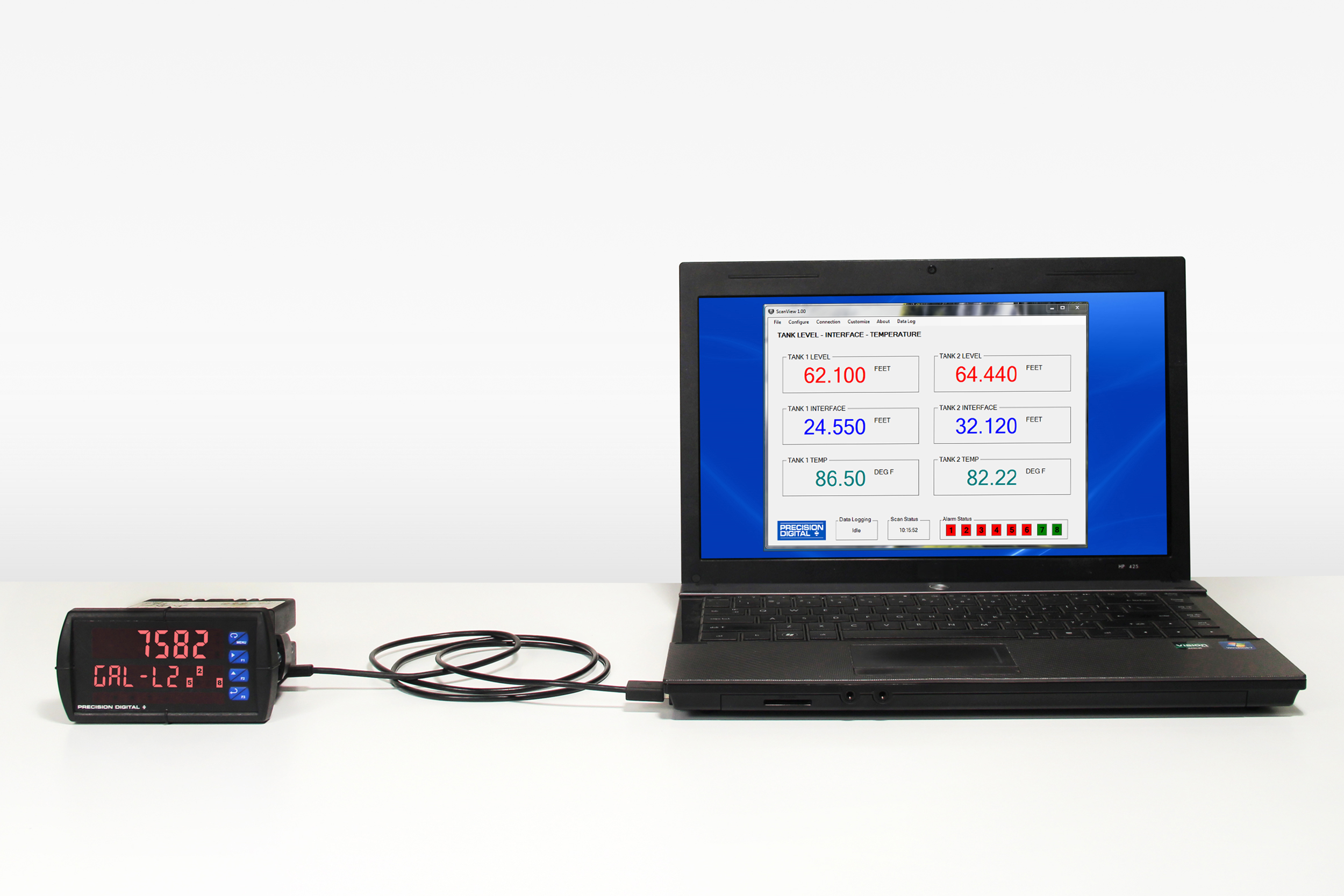
ScanView software allows for the programming and monitoring of one ProVu, ProtEX-MAX, or Helios Modbus Scanners. Use ScanView to program, monitor, and datalog using a PC. The PVs and math channels may be selected to display on the monitoring screen independently, and the monitoring screen can be customized so each has a configurable unit and tag. Even the display number colors may be changed. All 16 PVs, math channels, and their units and tags may be logged. The data is logged on the PC, and is available for use in common tools like Microsoft Excel. All configuration data can be saved to a file for future use.
Installation of ScanView software is required for technical support services to be provided for ProVu, ProtEX-MAX, or Helios Super Snoopers Modbus Scanners.
IMPORTANT!
Uninstall previous versions before downloading and running the latest version.
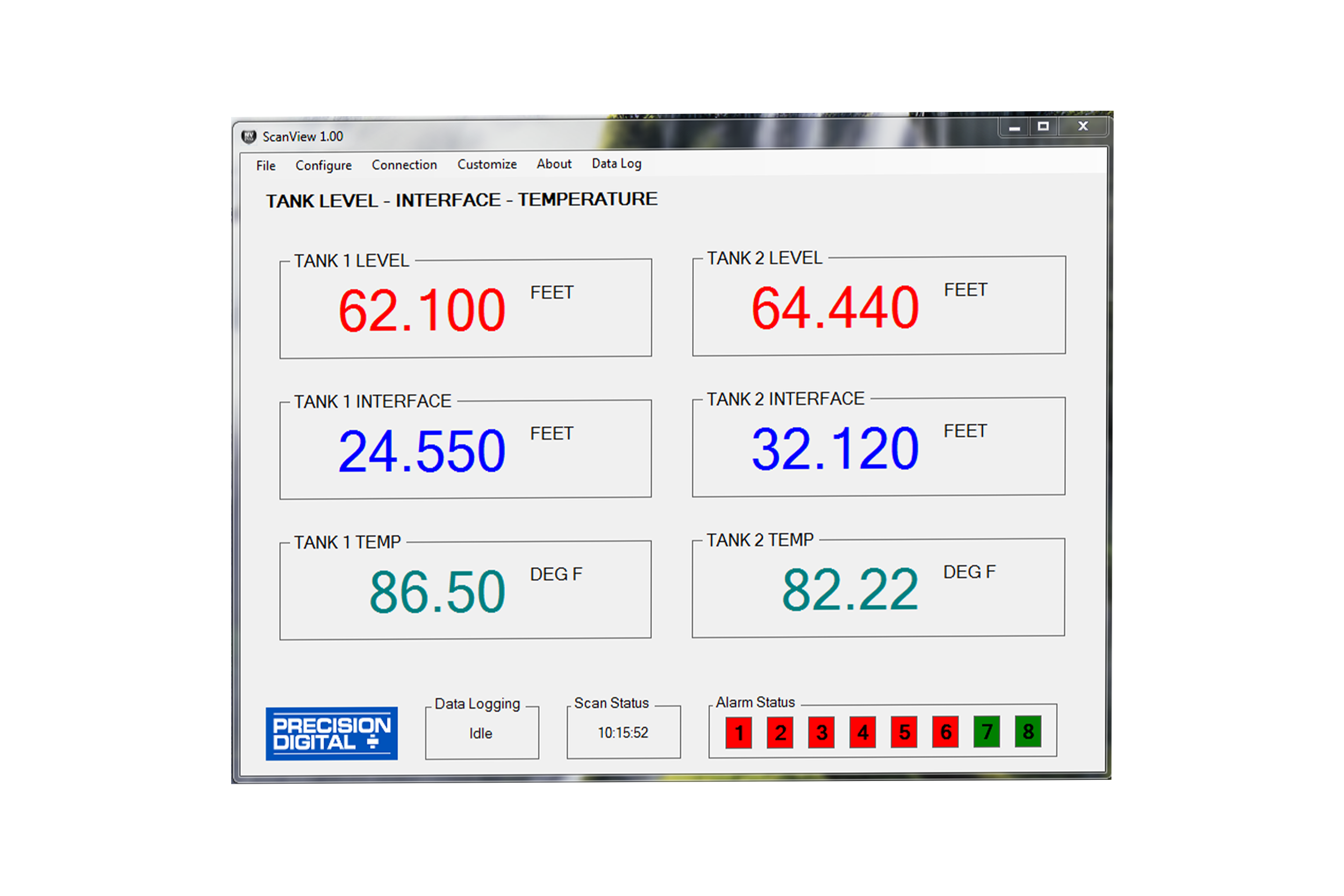
ScanView software can be installed on any Microsoft Windows 10/11 computer. Connect one end of a USB cable to the scanner and the other end to the computer. The scanner is powered via USB, so there is no need to wire anything before programming it. USB connection is intended for configuration purposes only.
General
System Requirements
Microsoft Windows 10/11
Availability
Communications
Onboard USB (firmware version 4.0 or higher), RS-232 Adapter, or RS-485 Adapter
Meter Address
1-247
PV Slave ID
1-247, 256-259 for on-board Current & Voltage inputs
Baud Rate
300 bps to 19,200 bps; selection must match the baud rate selected in the meters
Screen Update Rate
Dependent on system and scanner settings
Configuration
Configure scanner settings one scanner at a time
Data Logging Report
Save as CSV file format
Configuration Report
Save as MVP file format or print configuration
Protocol
Modbus RTU
Latest Version
2.1.3
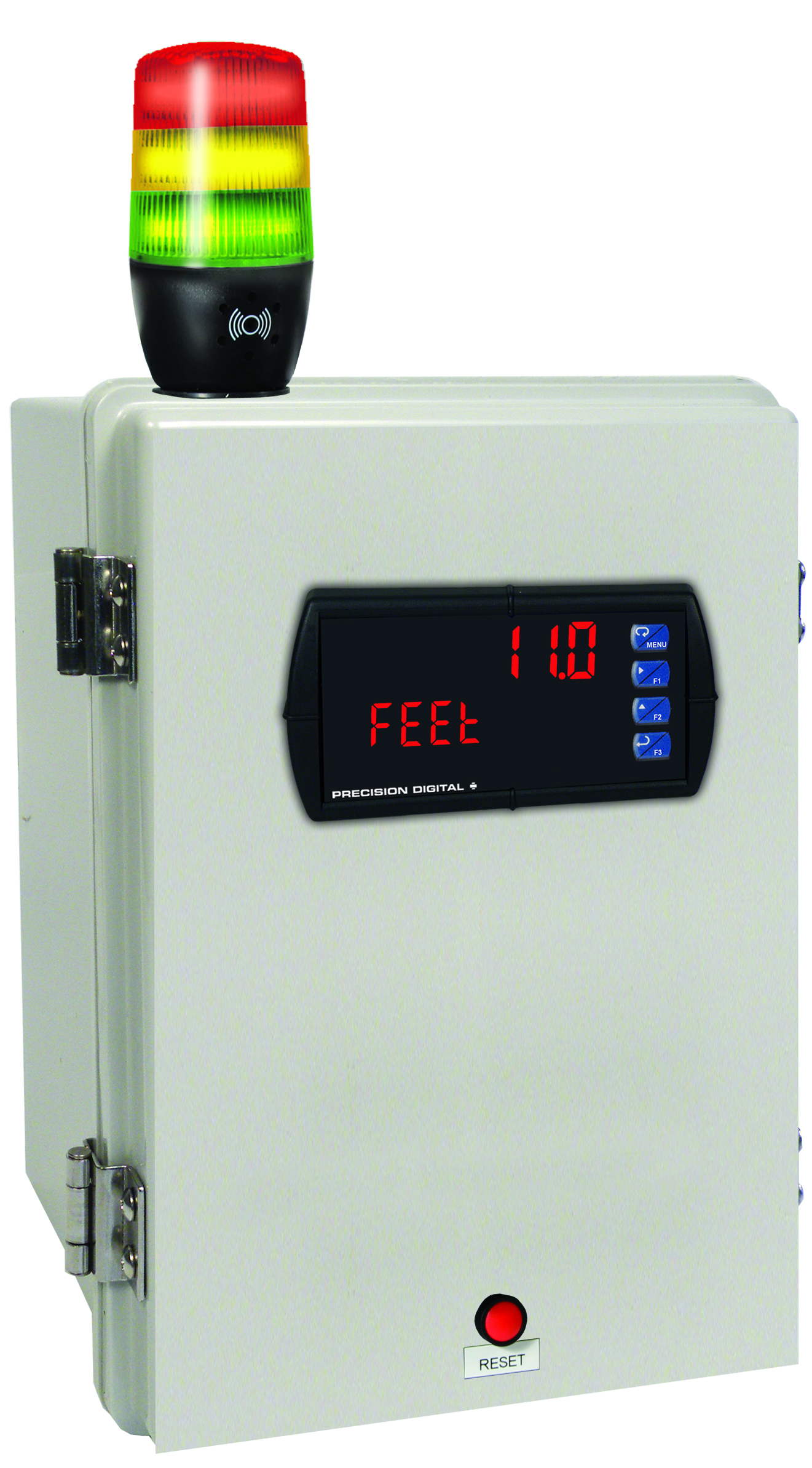
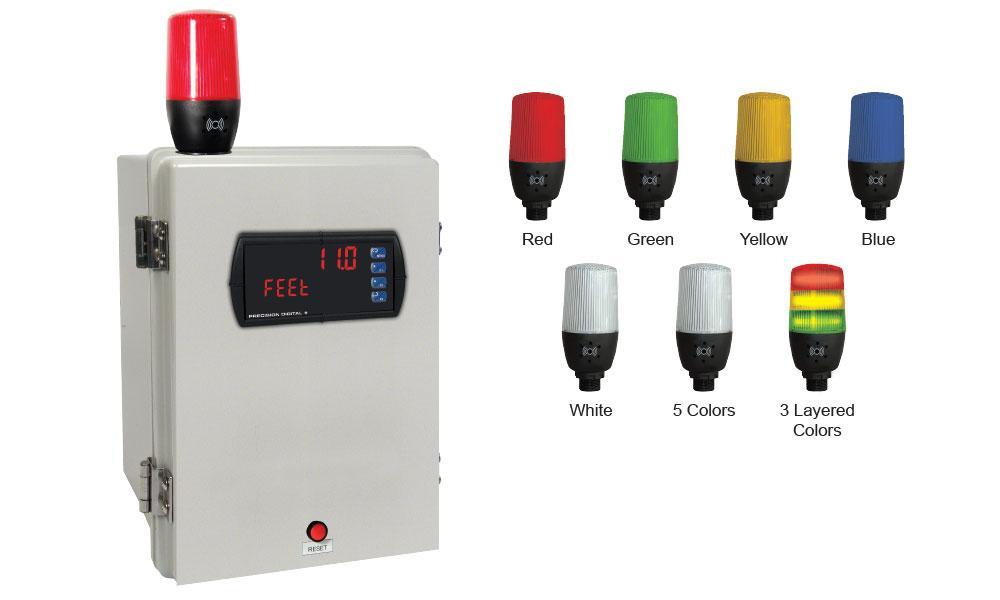
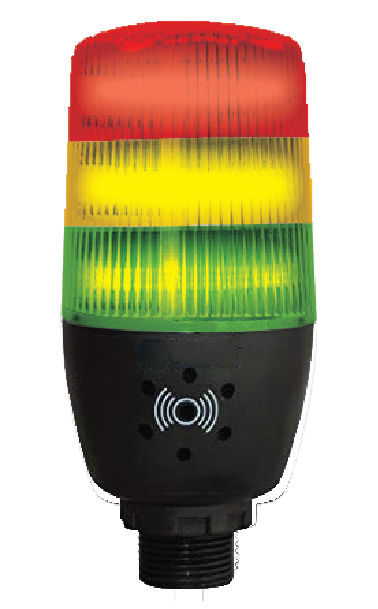
MOD-LH3LCB1-RYG
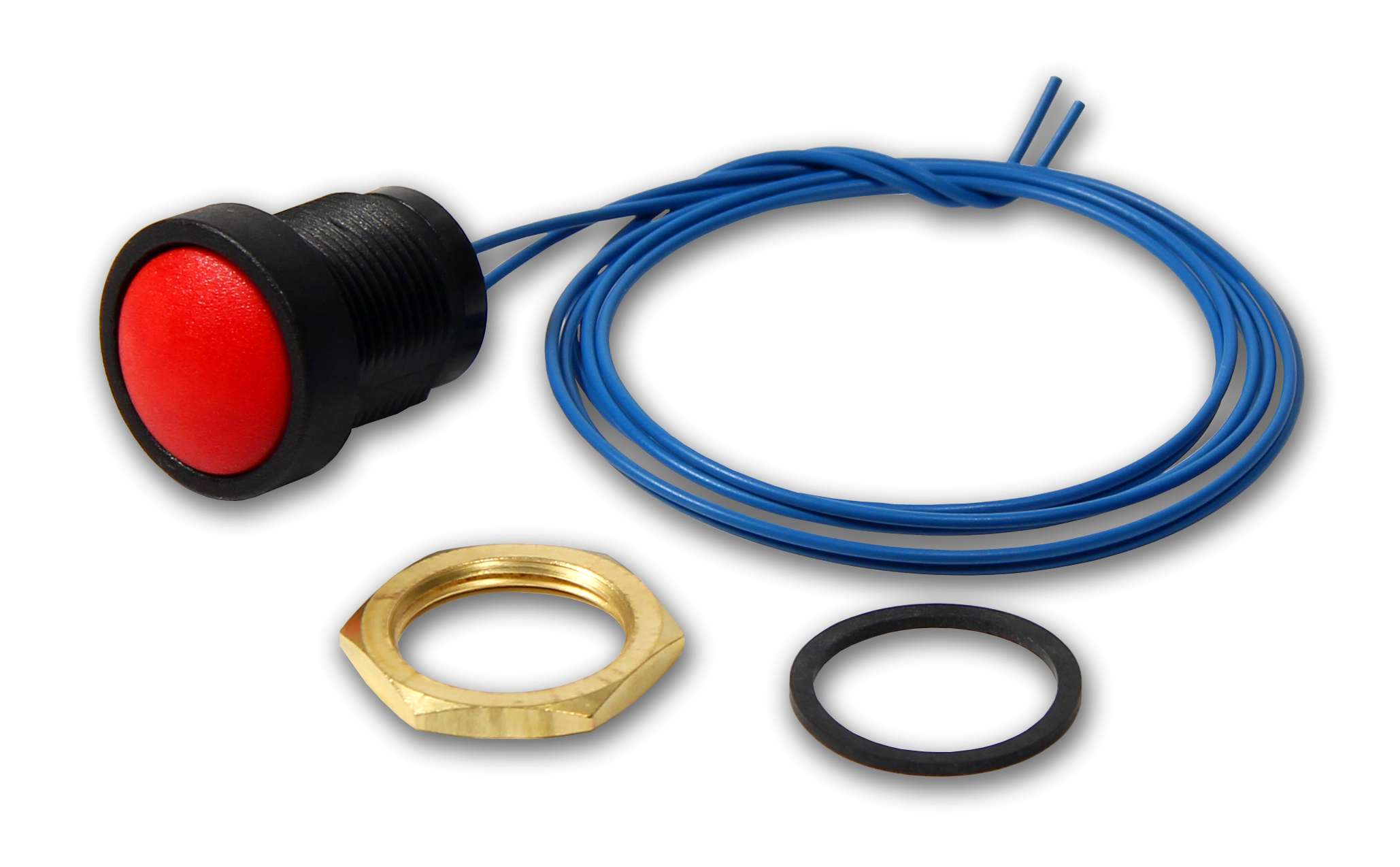
Modification: Three Color Light/Horn and Reset Button with Holes Drilled for Light/Horn and Reset Button in Enclosure. Enclosure & meter sold separately and assembly required by user.
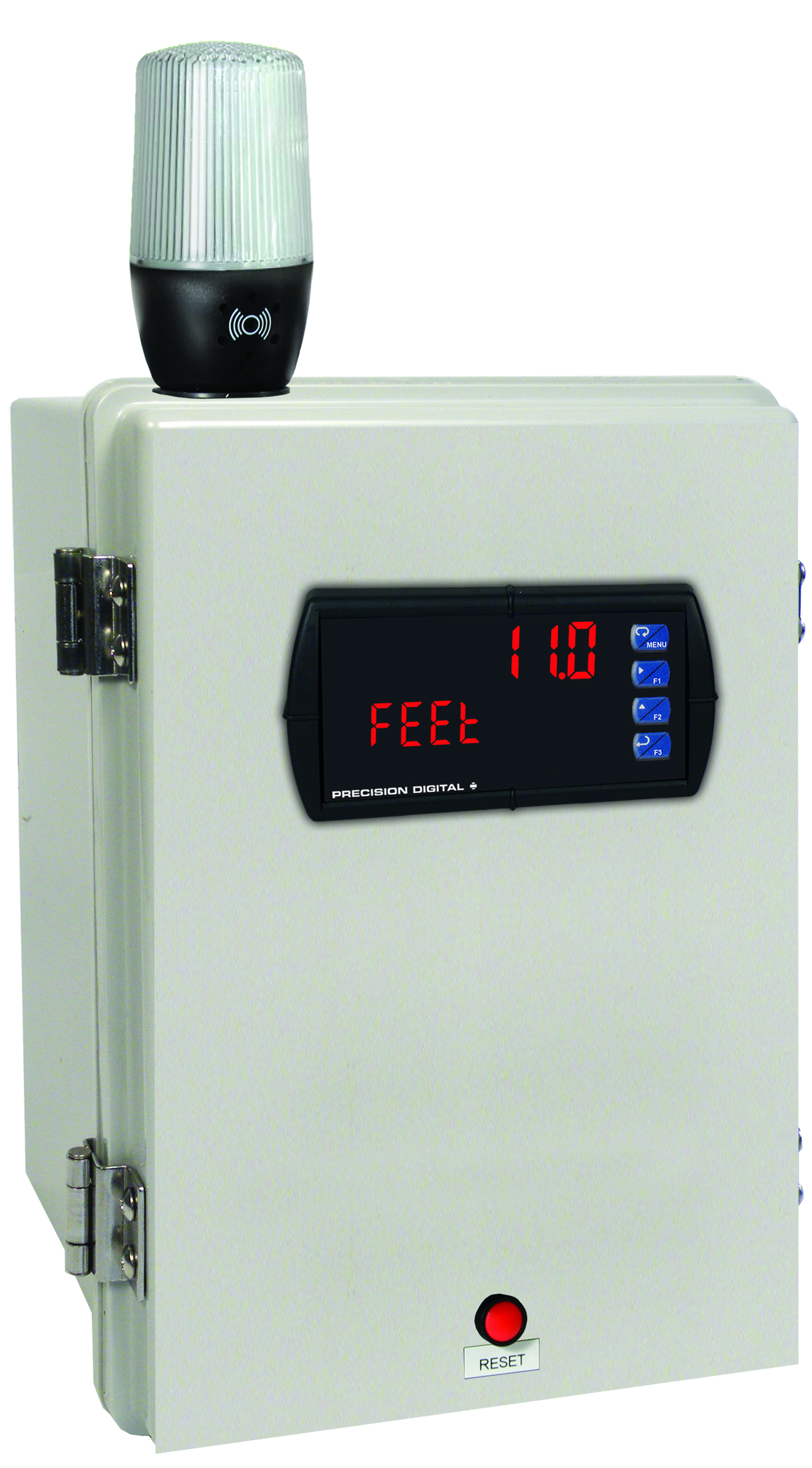
MOD-LH5CB1
Modification: Five Color Light/Horn and Reset Button with Holes Drilled for Light/Horn and Reset Button in Enclosure. Enclosure & meter sold separately and assembly required by user.
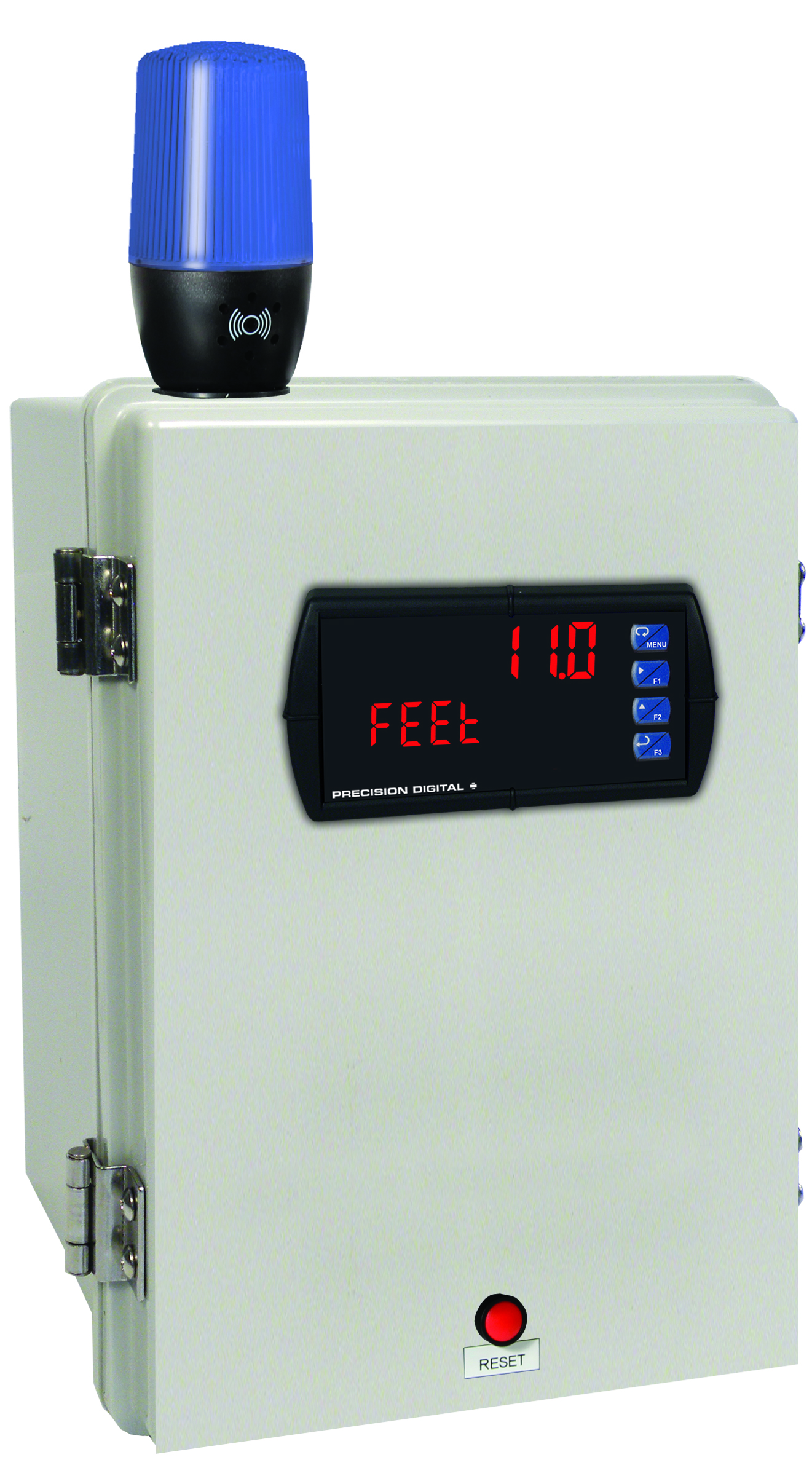
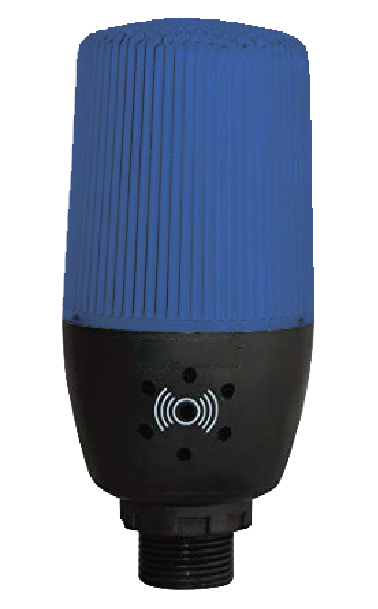
MOD-LHBB1
Modification: Blue Light/Horn and Reset Button with Holes Drilled for Light/Horn and Reset Button in Enclosure. Enclosure & meter sold separately and assembly required by user.
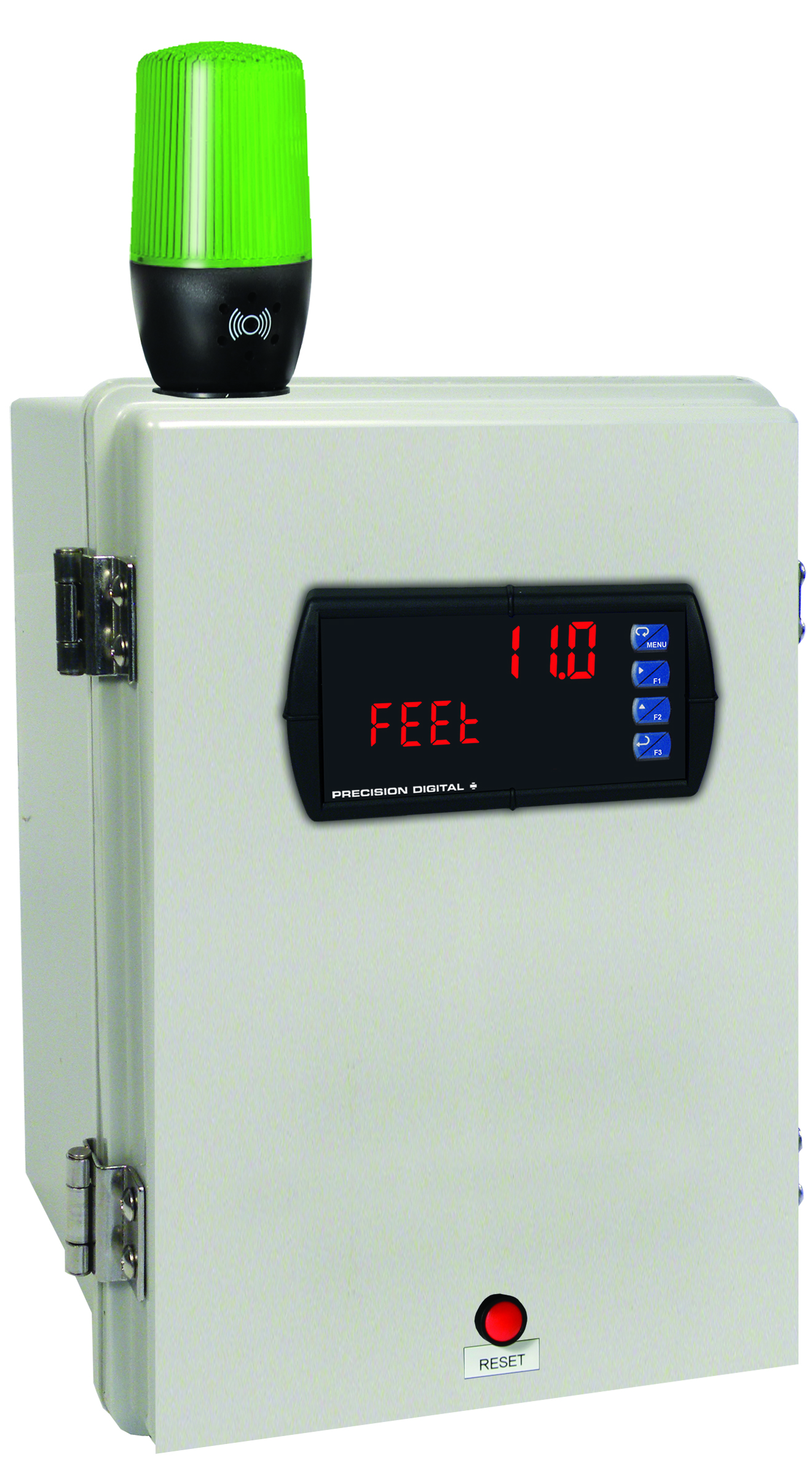
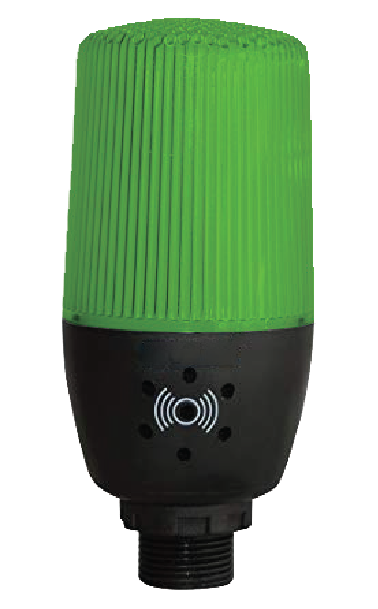
MOD-LHGB1
Modification: Green Light/Horn and Reset Button with Holes Drilled for Light/Horn and Reset Button in Enclosure. Enclosure & meter sold separately and assembly required by user.
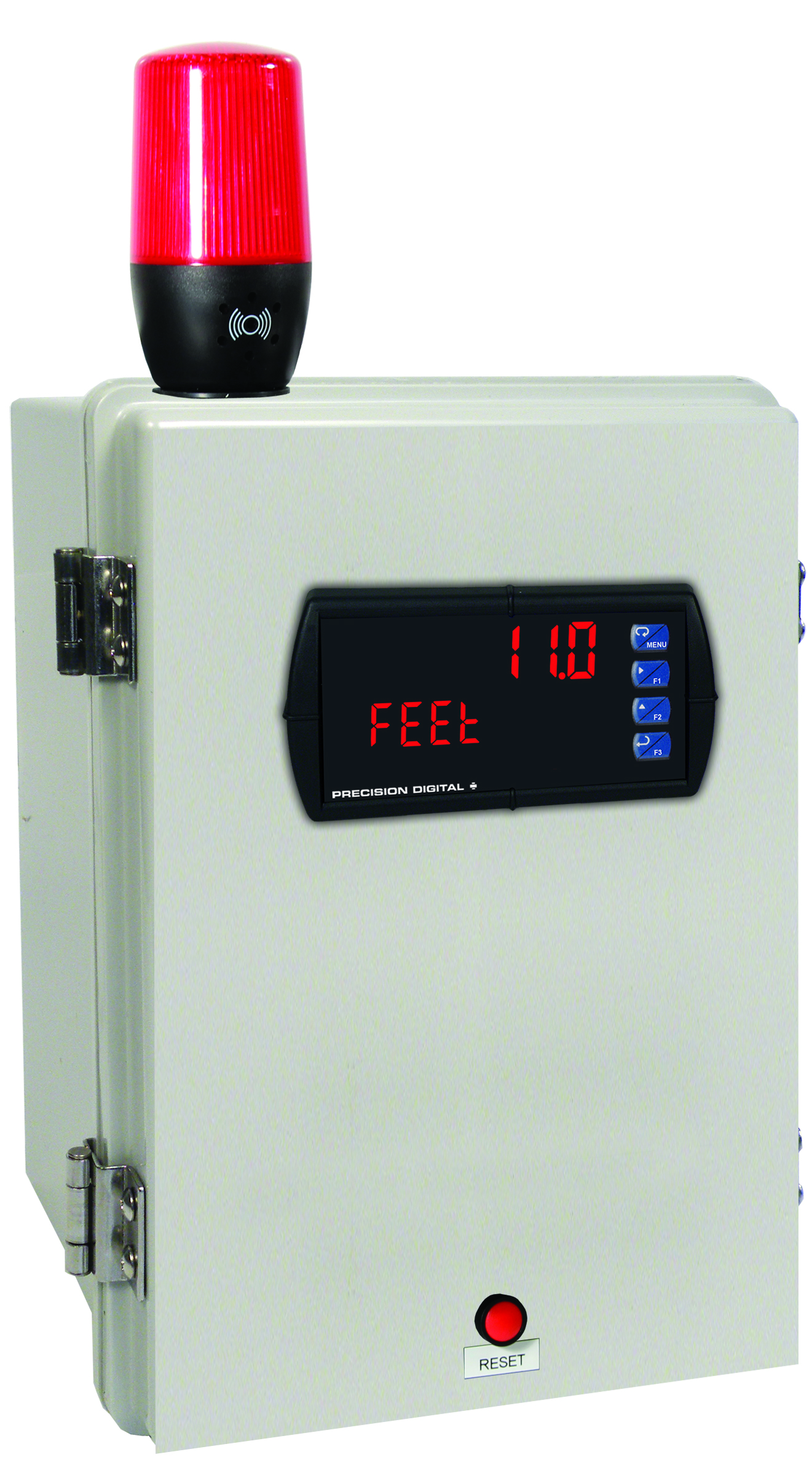
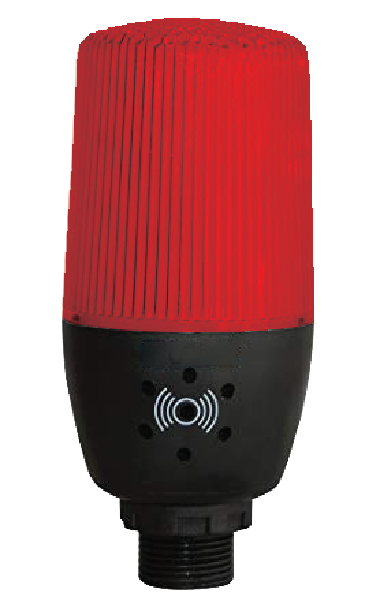
MOD-LHRB1
Modification: Red Light/Horn and Reset Button with Holes Drilled for Light/Horn and Reset Button in Enclosure. Enclosure & meter sold separately and assembly required by user.
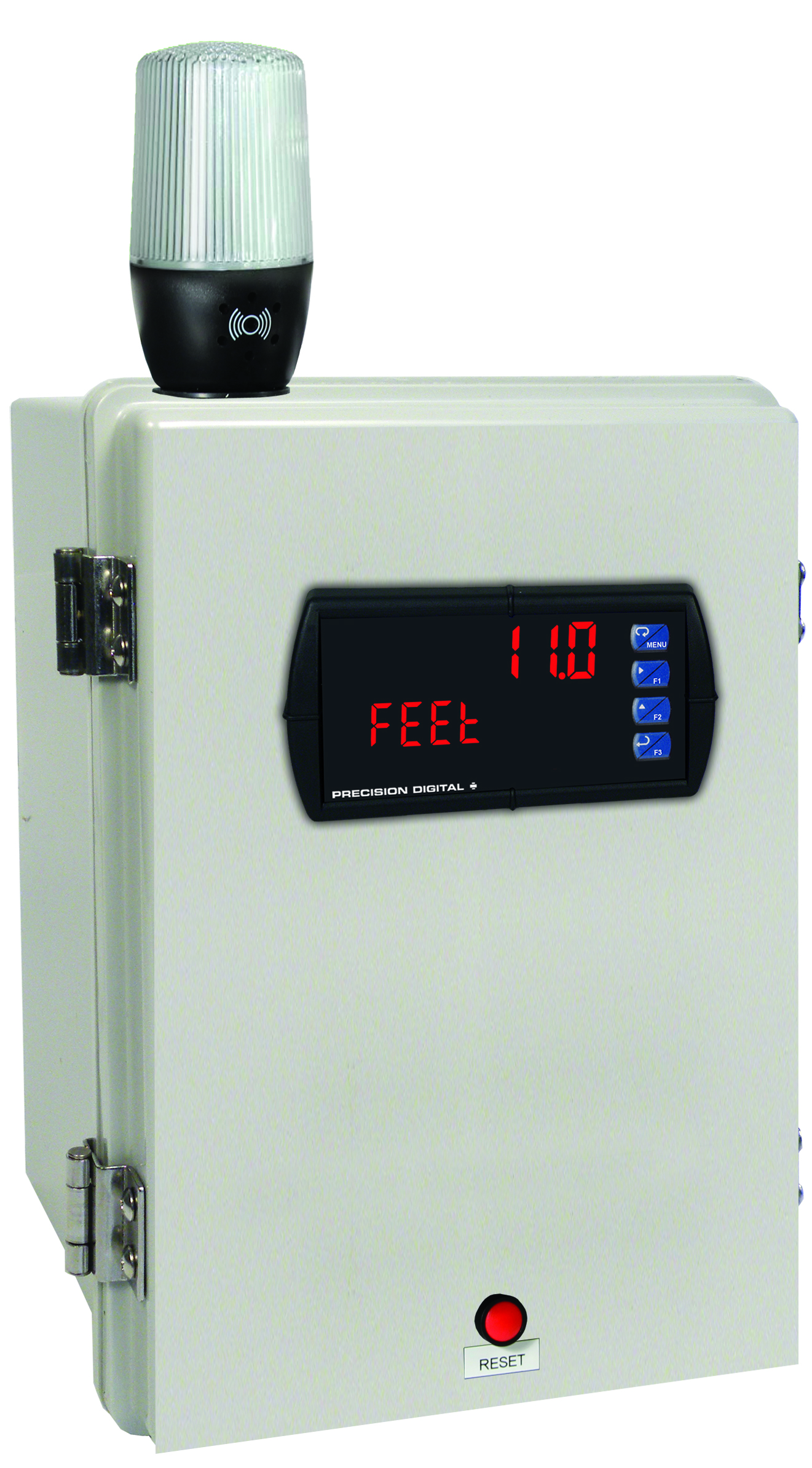
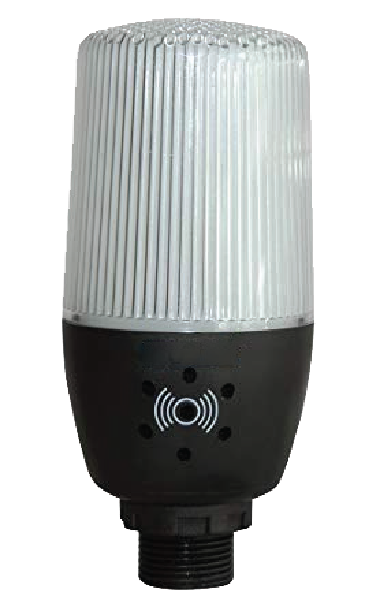
MOD-LHWB1
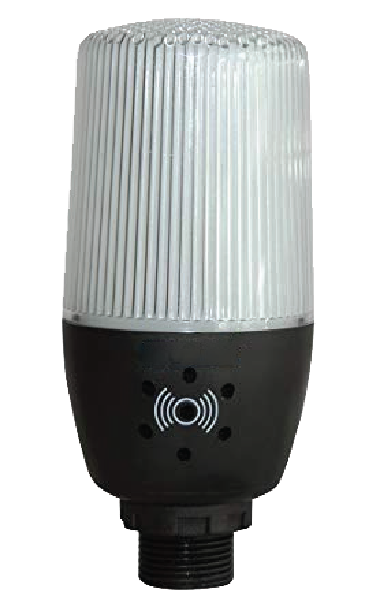
Modification: White Light/Horn and Reset Button with Holes Drilled for Light/Horn and Reset Button in Enclosure. Enclosure & meter sold separately and assembly required by user.
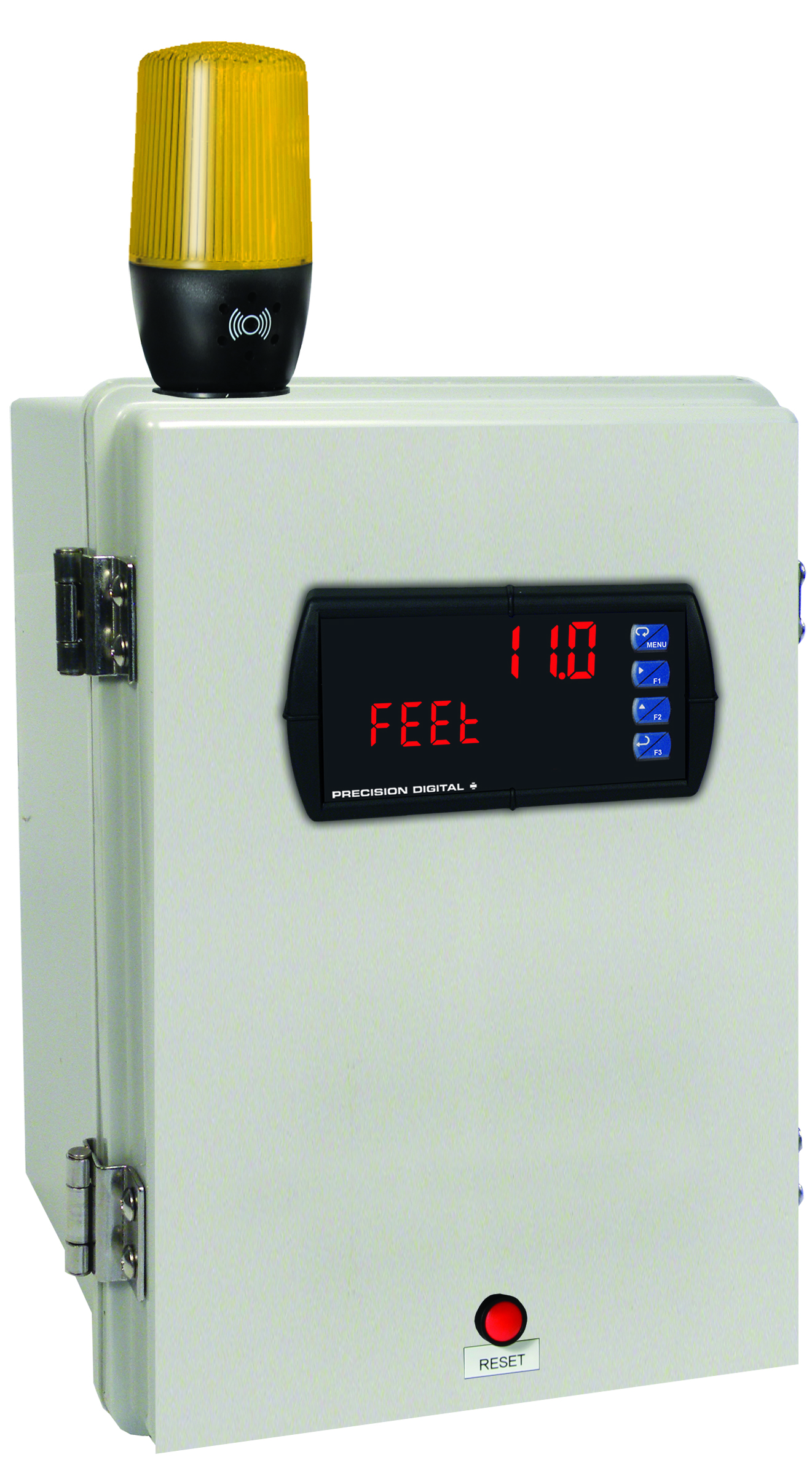
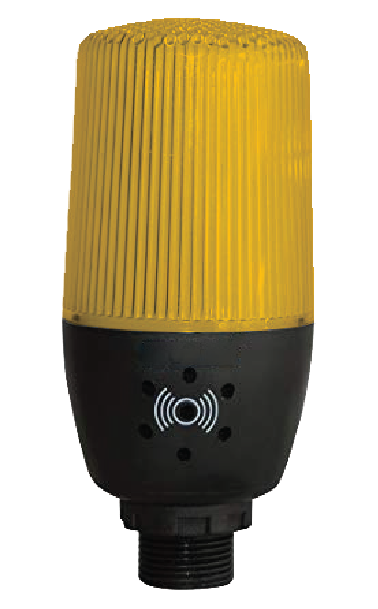
MOD-LHYB1
Modification: Yellow Light/Horn and Reset Button with Holes Drilled for Light/Horn and Reset Button in Enclosure. Enclosure & meter sold separately and assembly required by user.
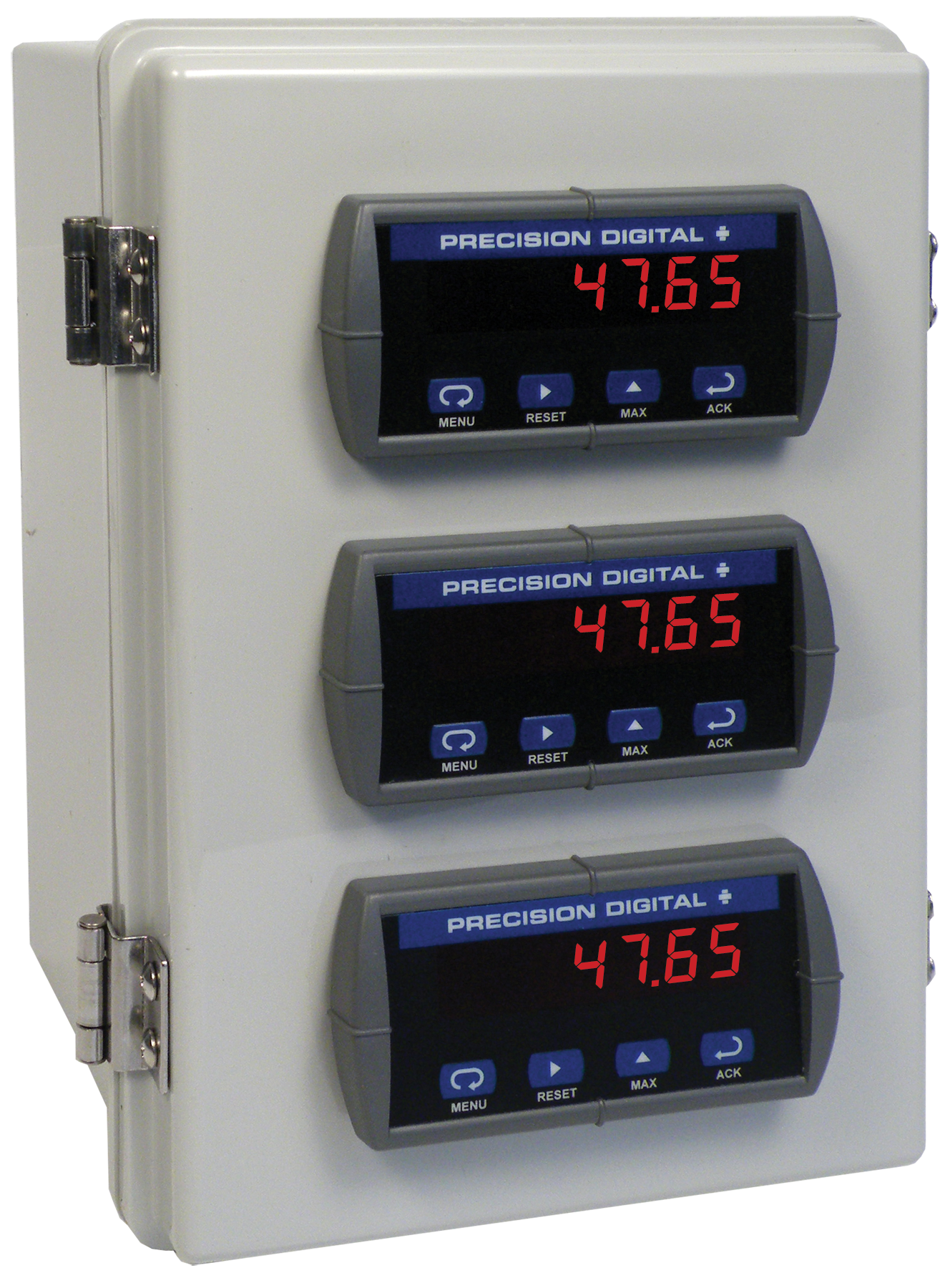
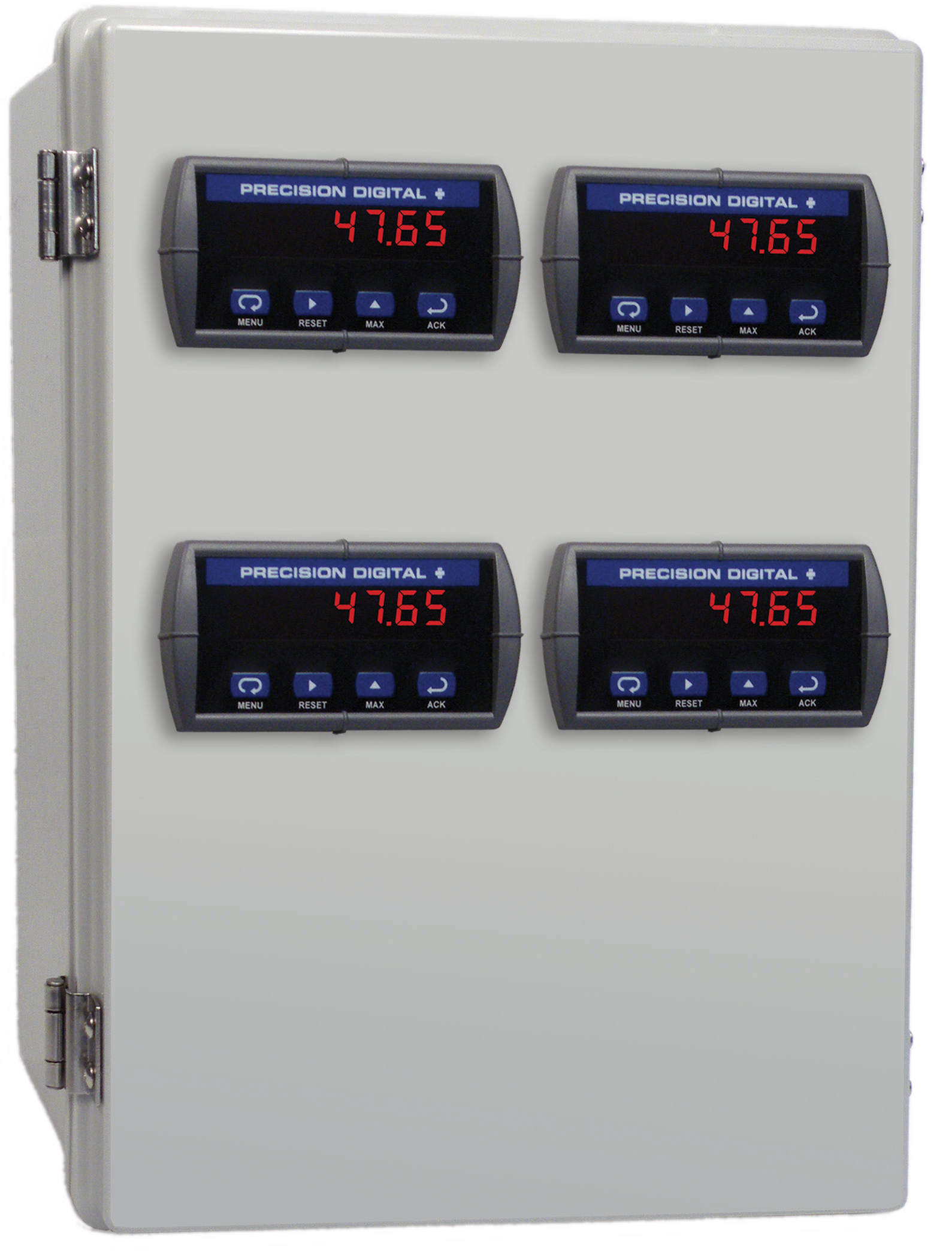
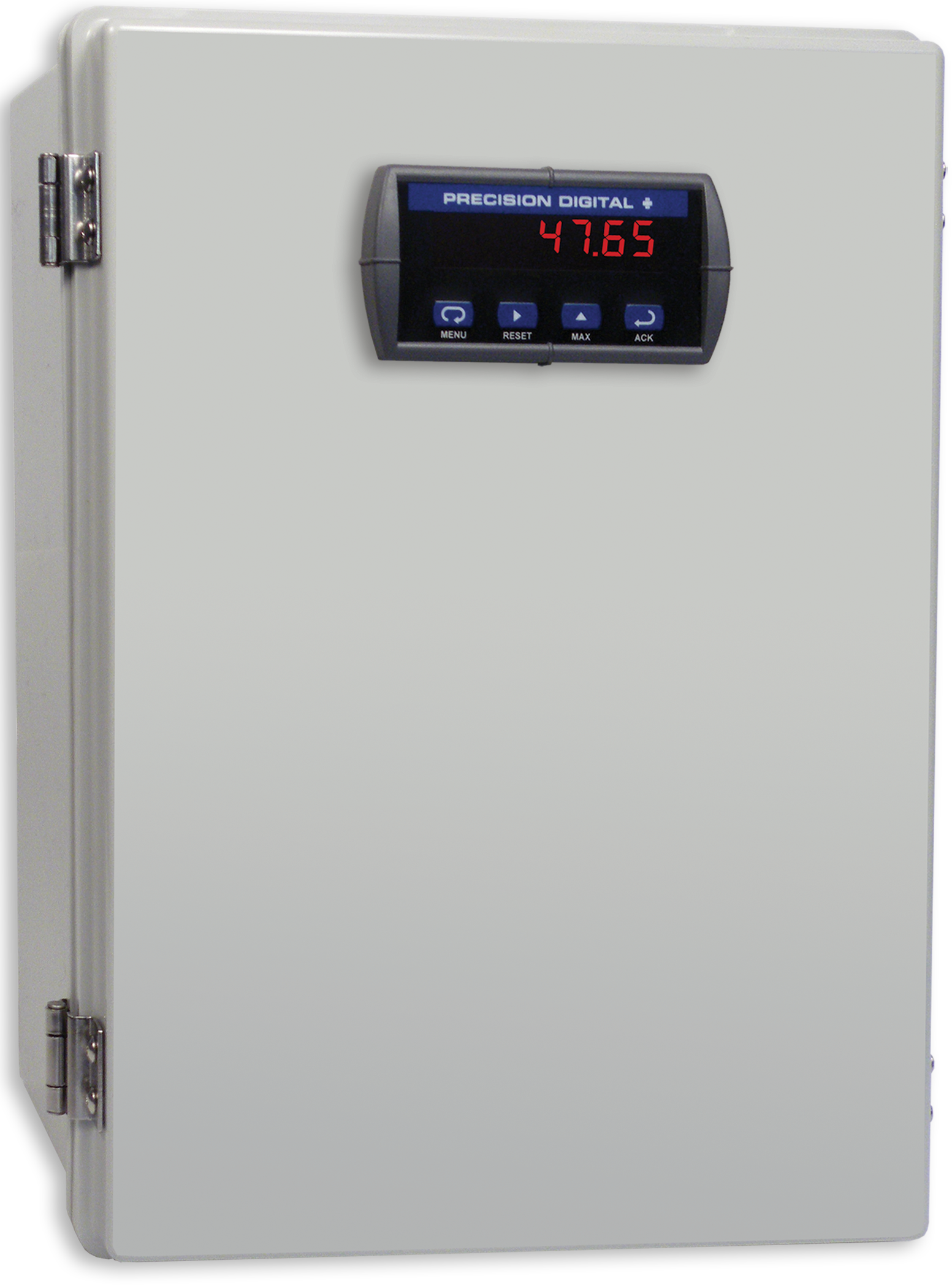
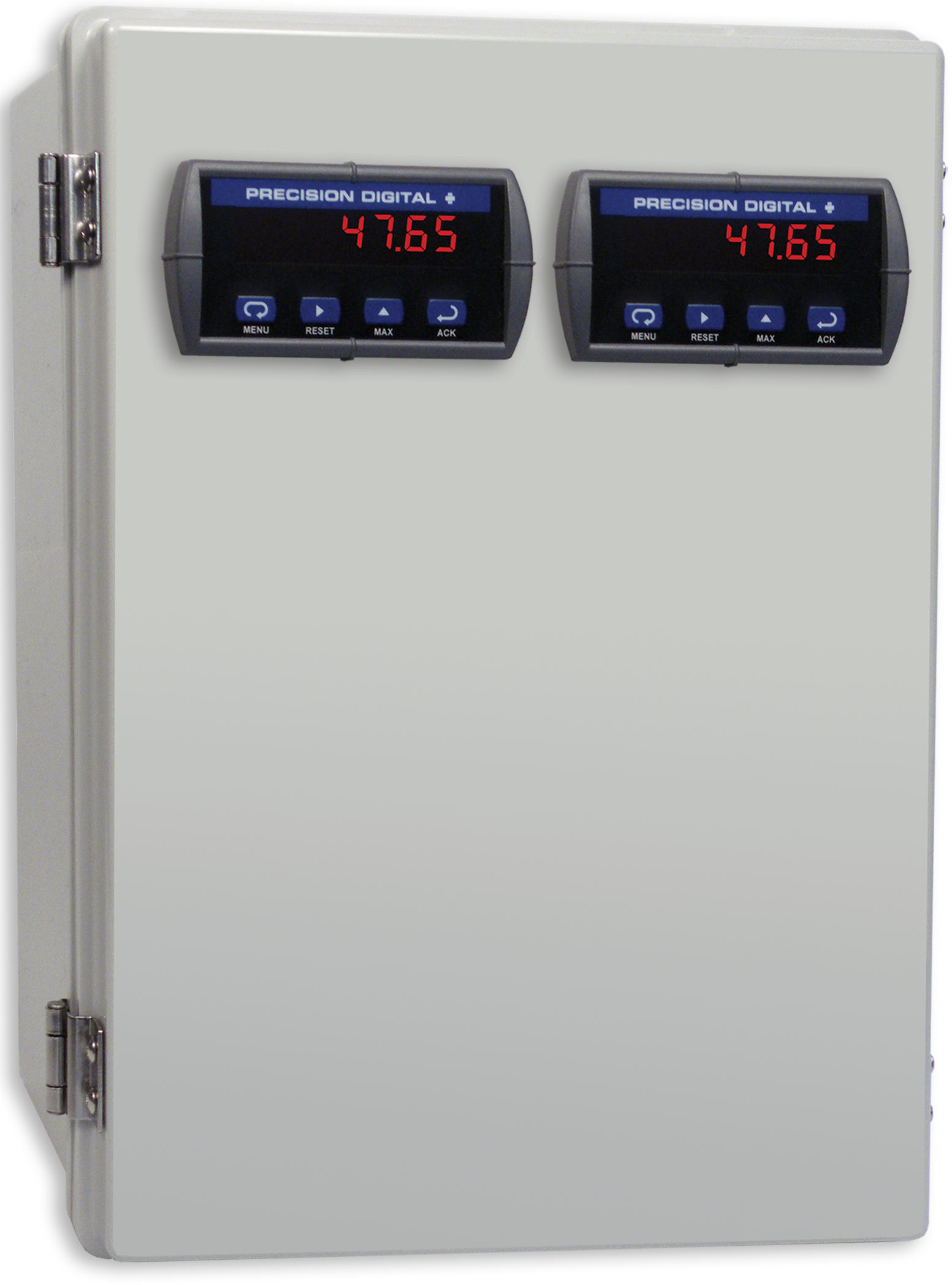
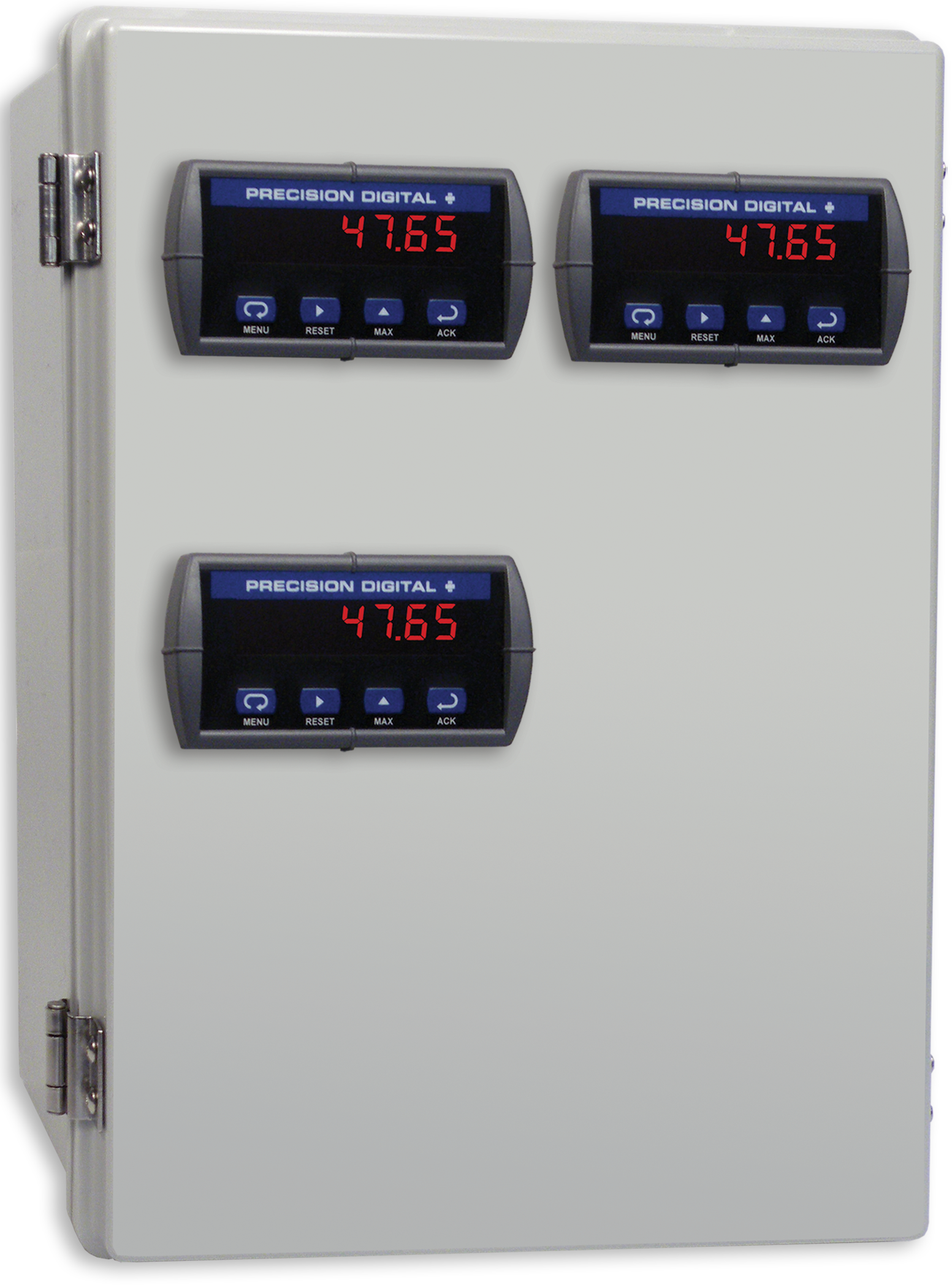
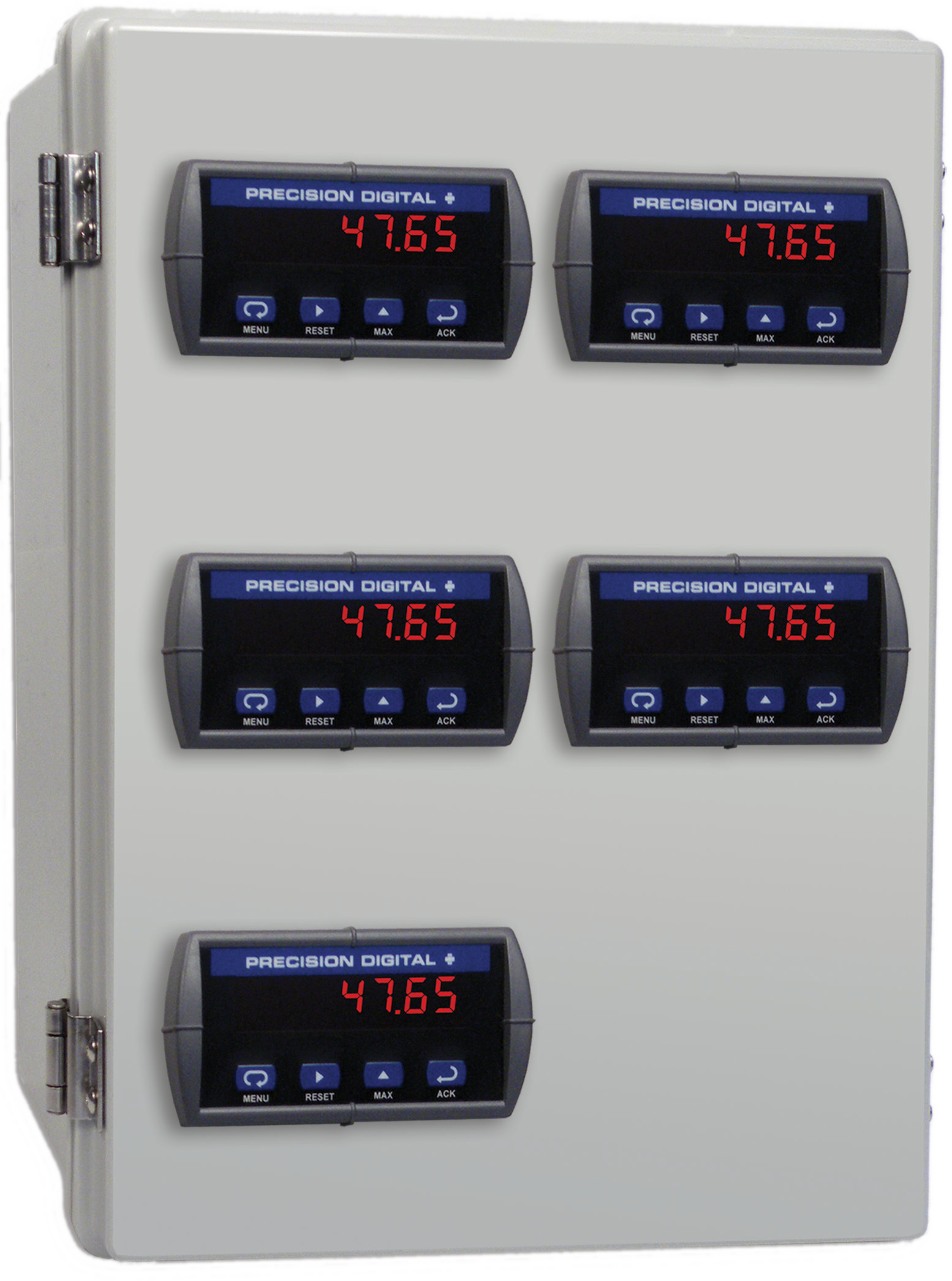
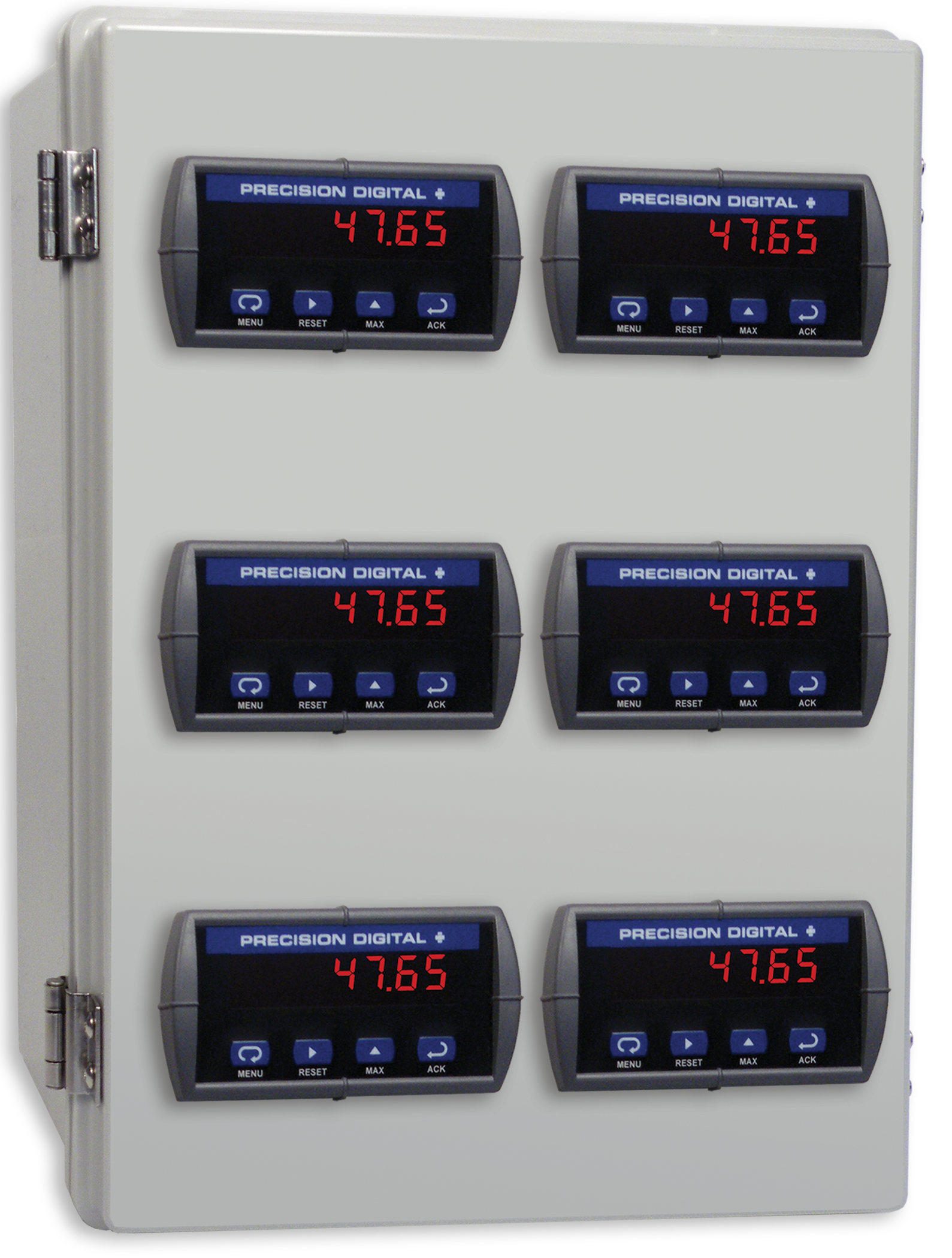
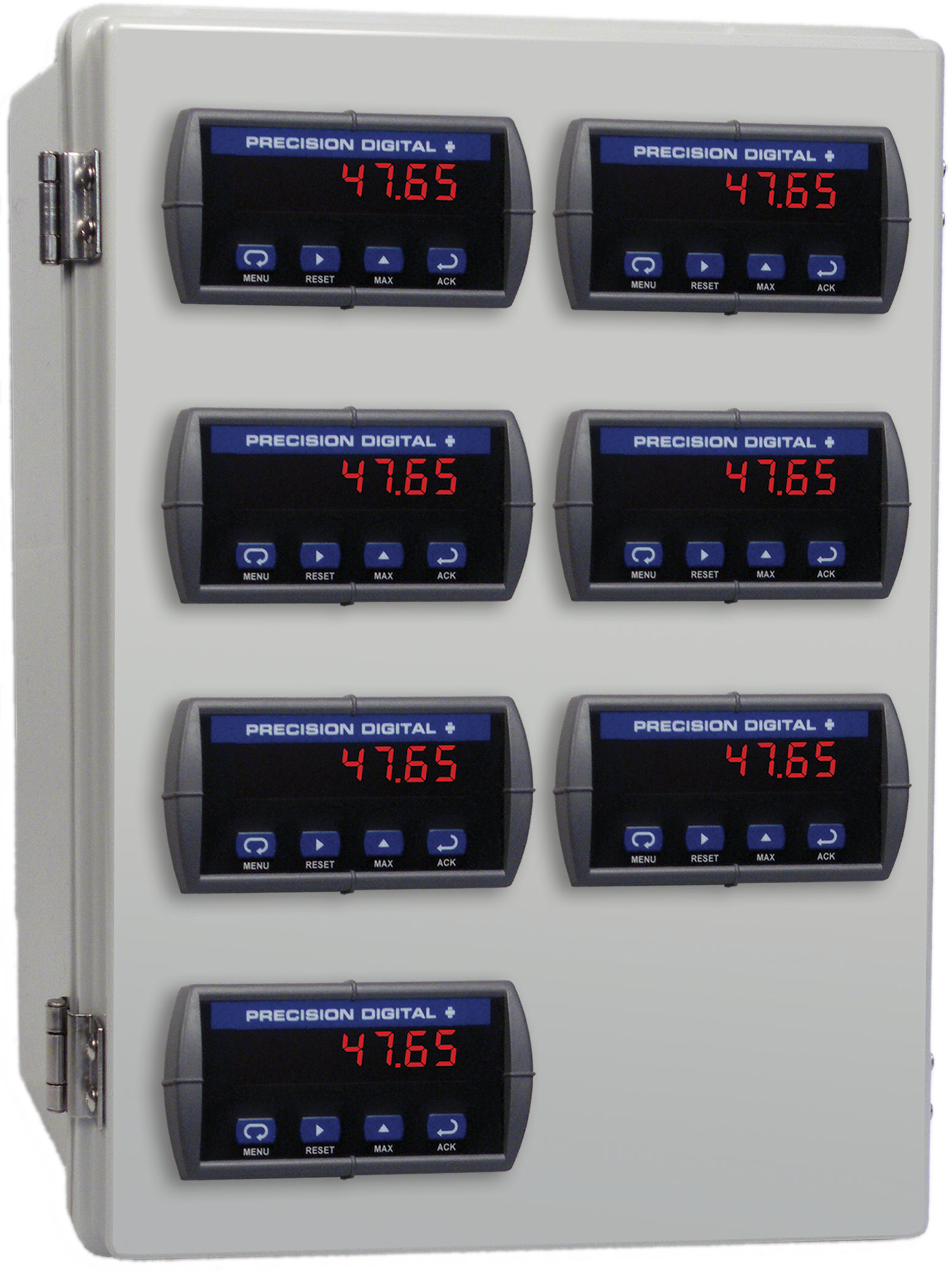
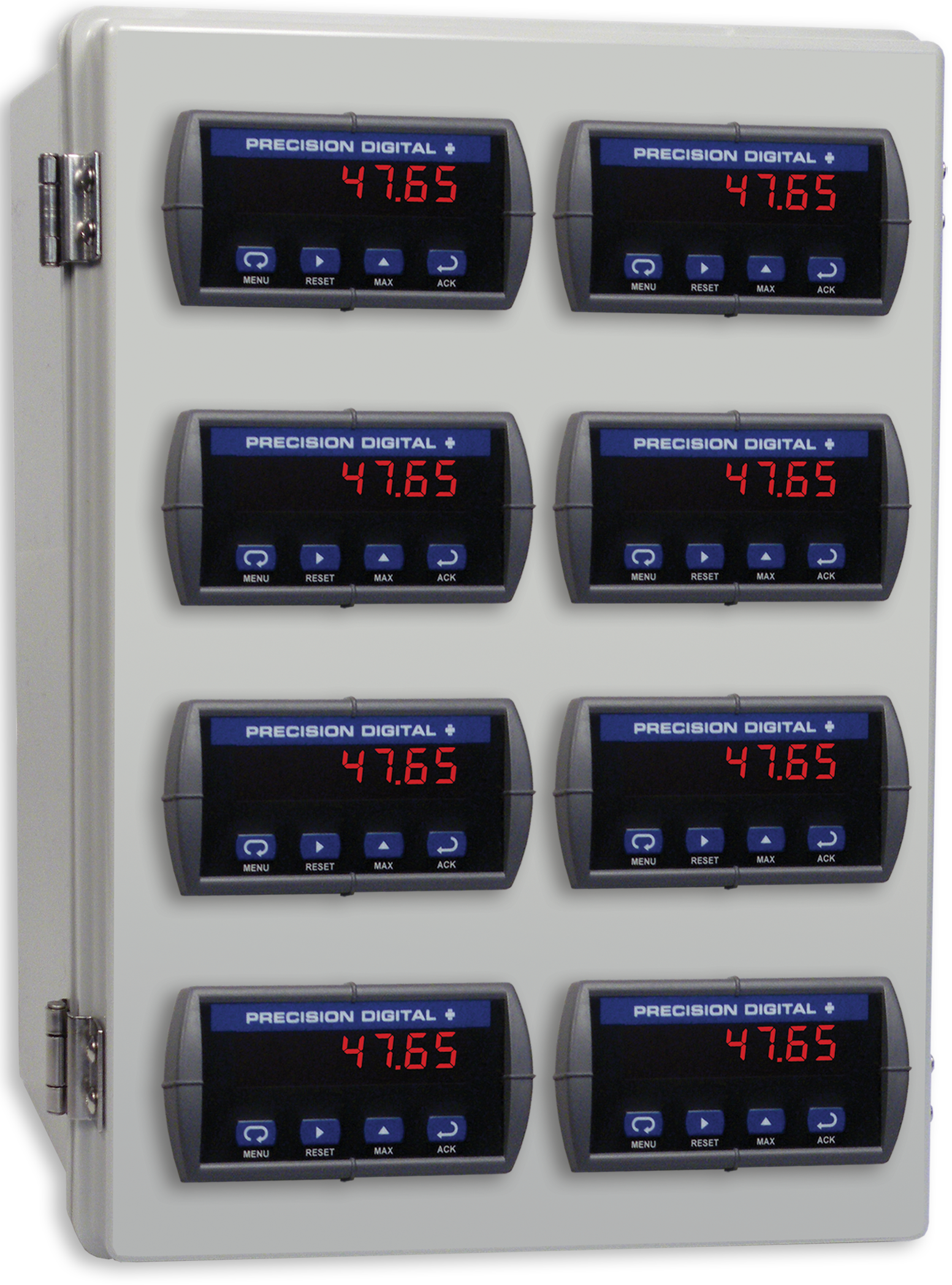
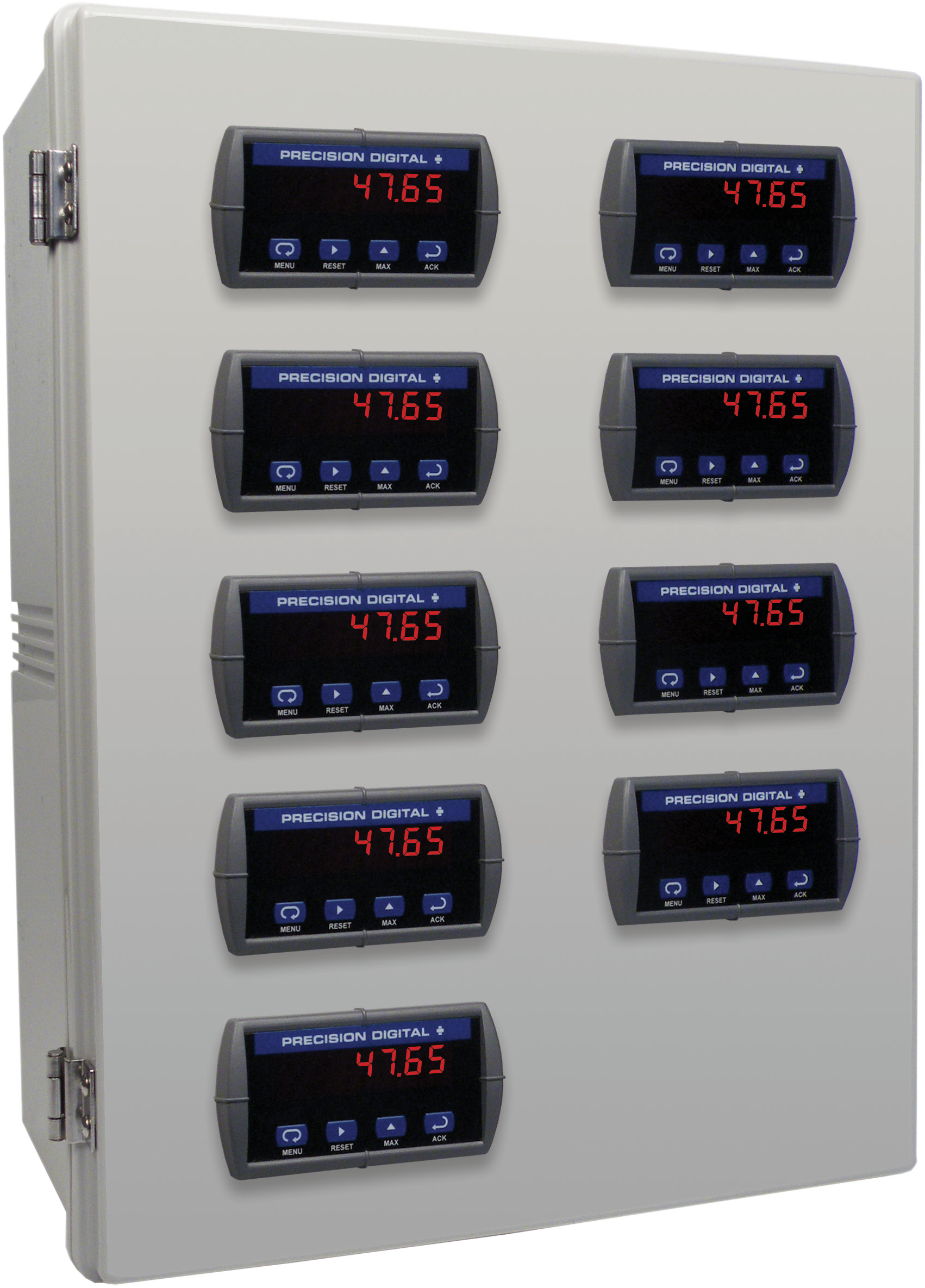
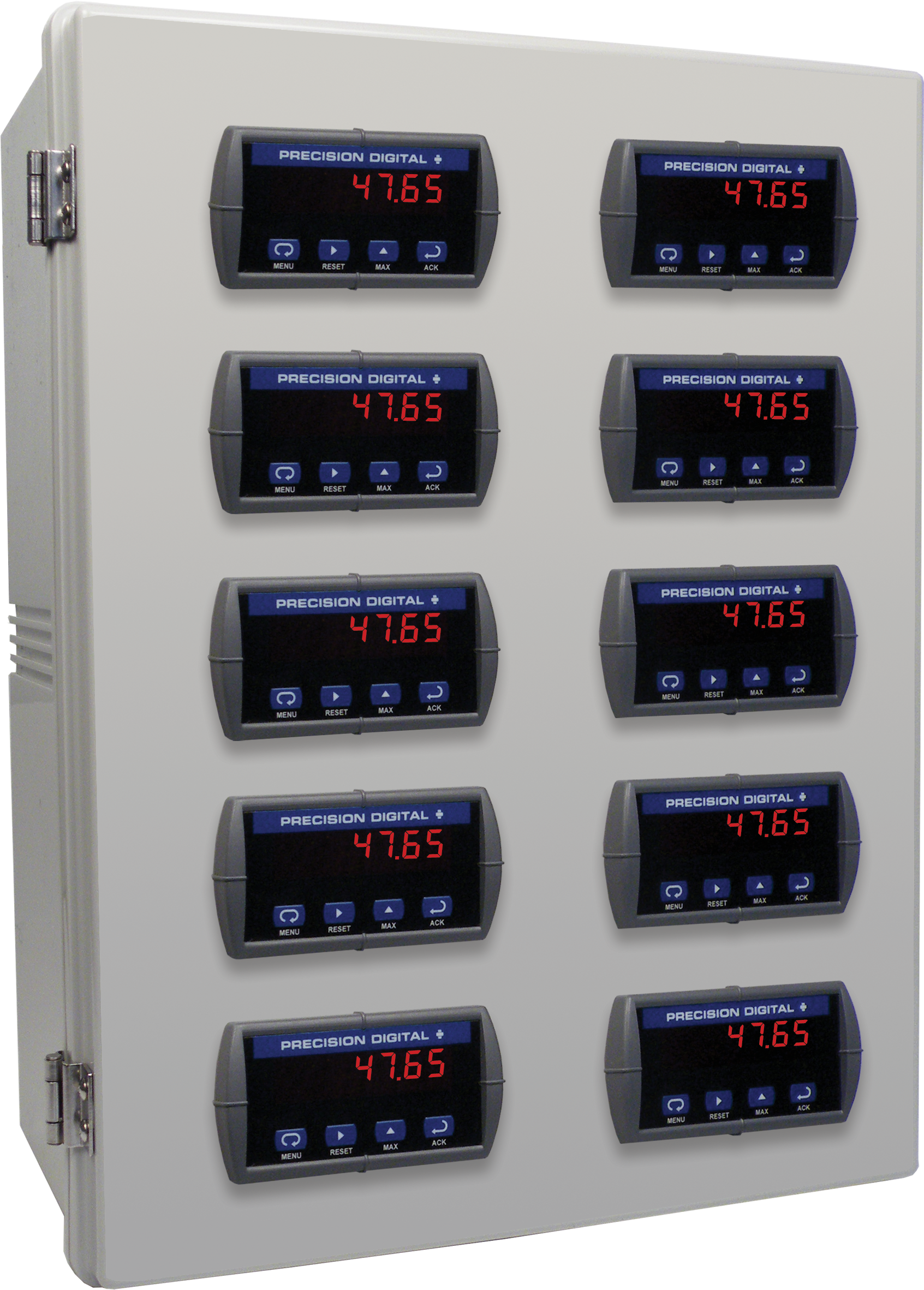
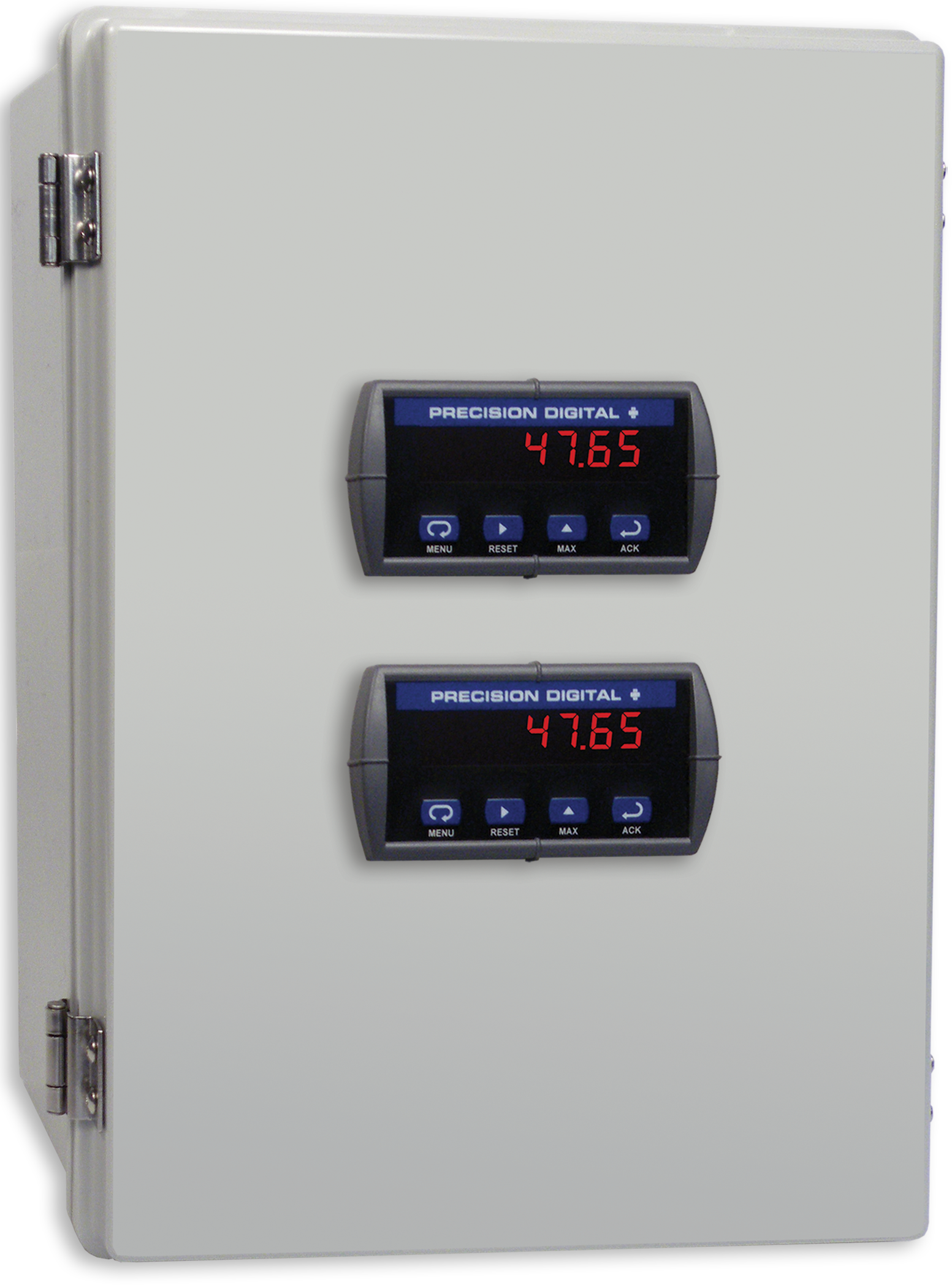
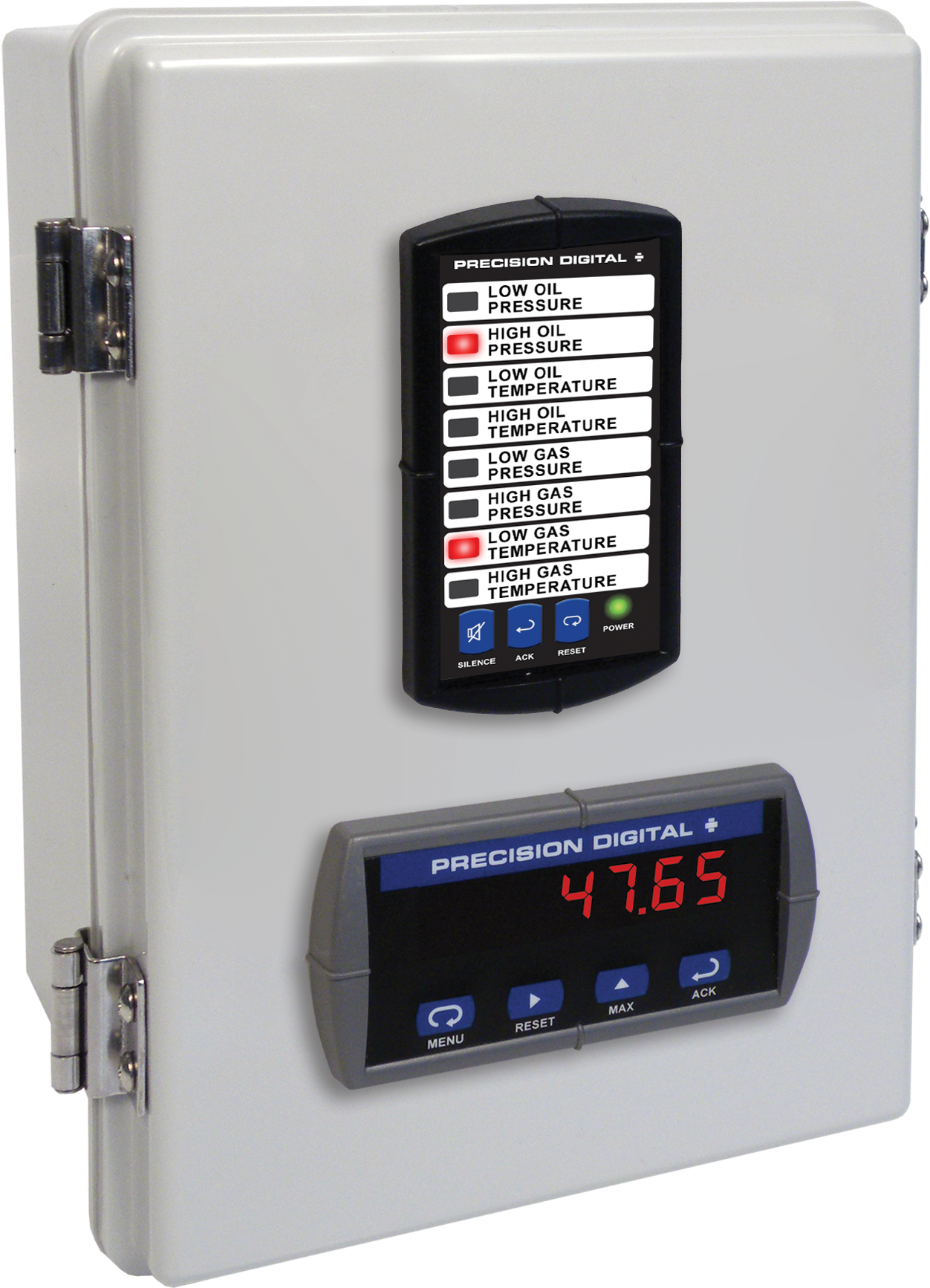
PDA2322
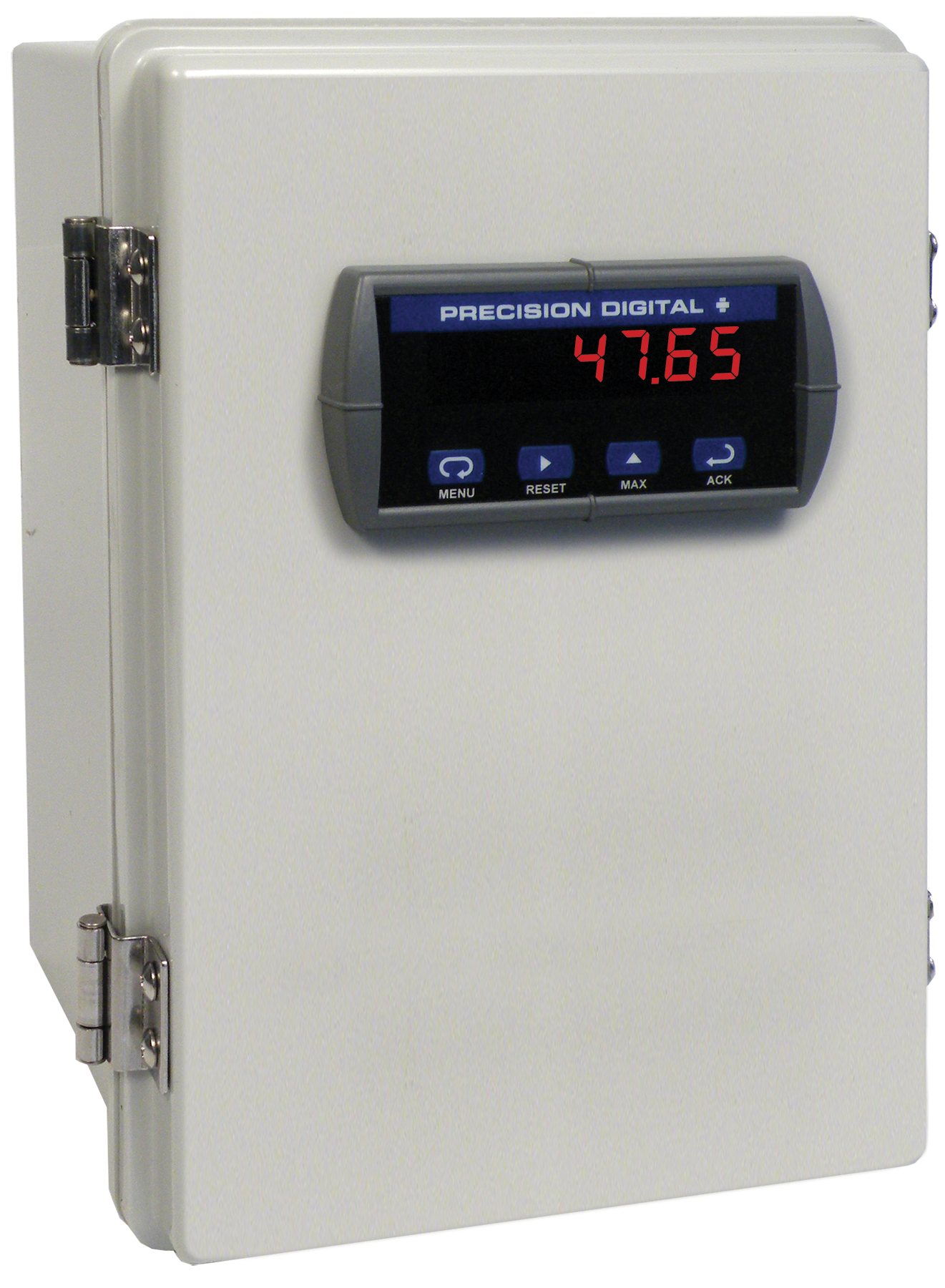
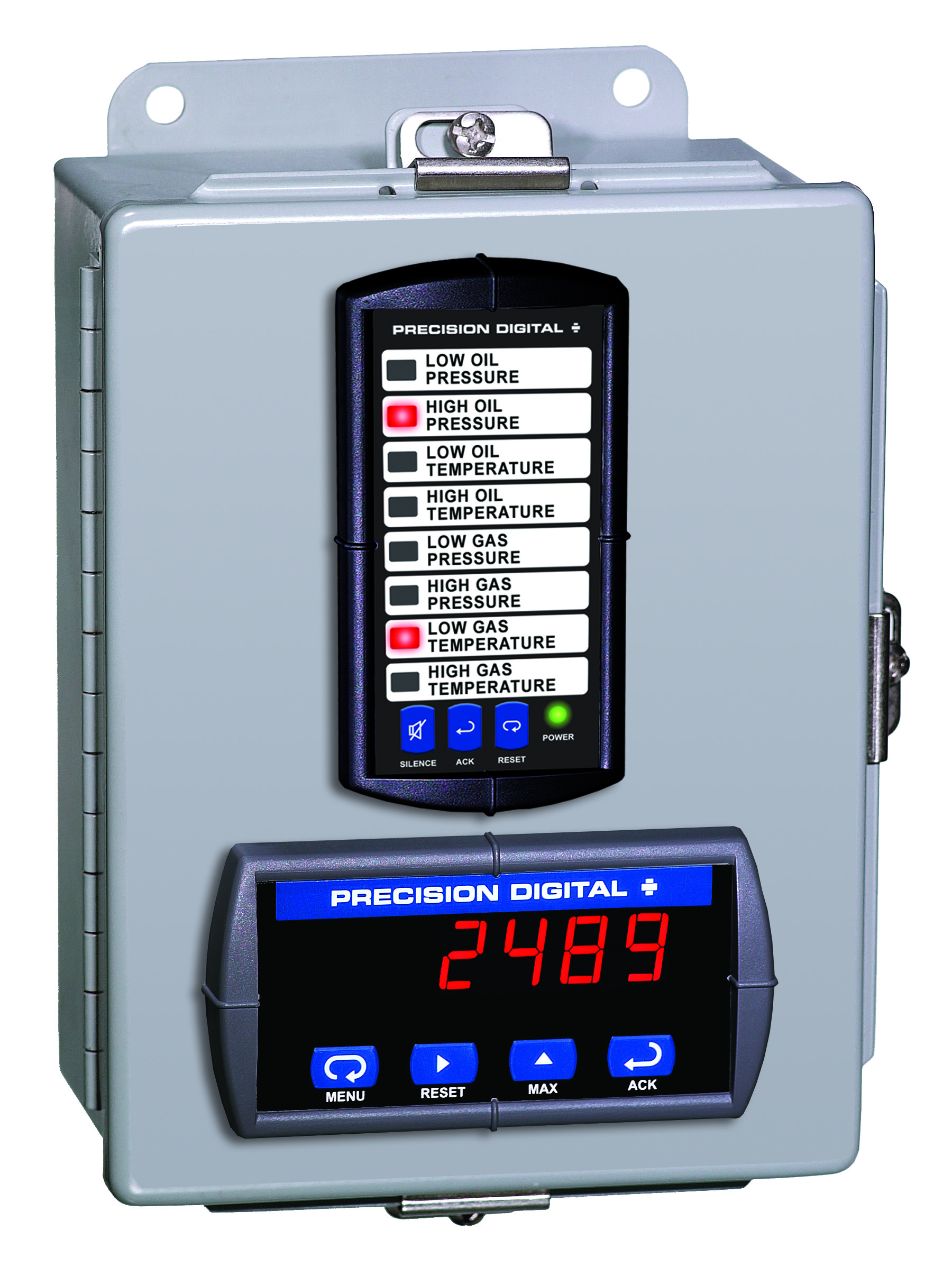
Plastic UL Type 4X Enclosure with (1) Vertical and (1) Horizontal 1/8 DIN Cutouts
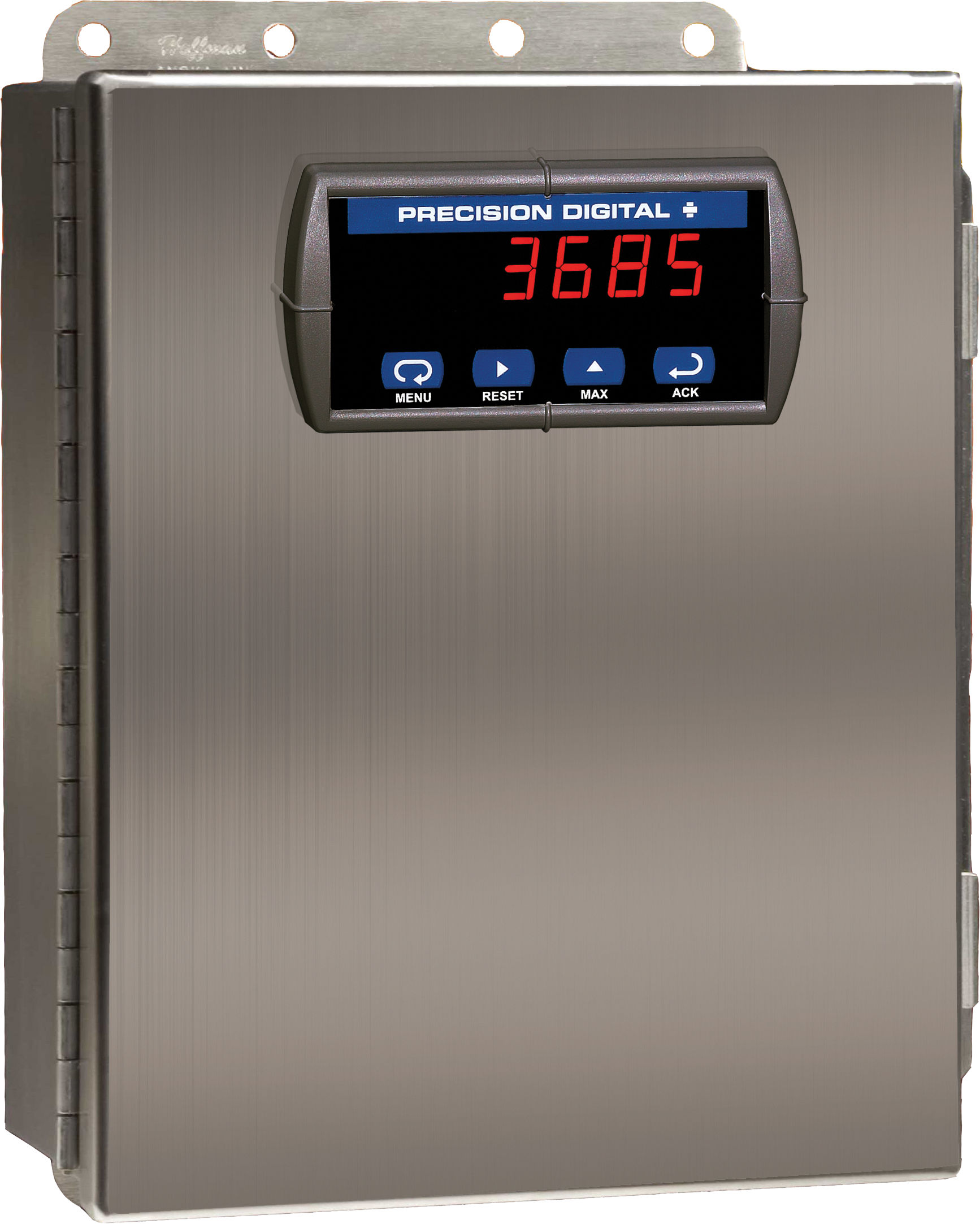

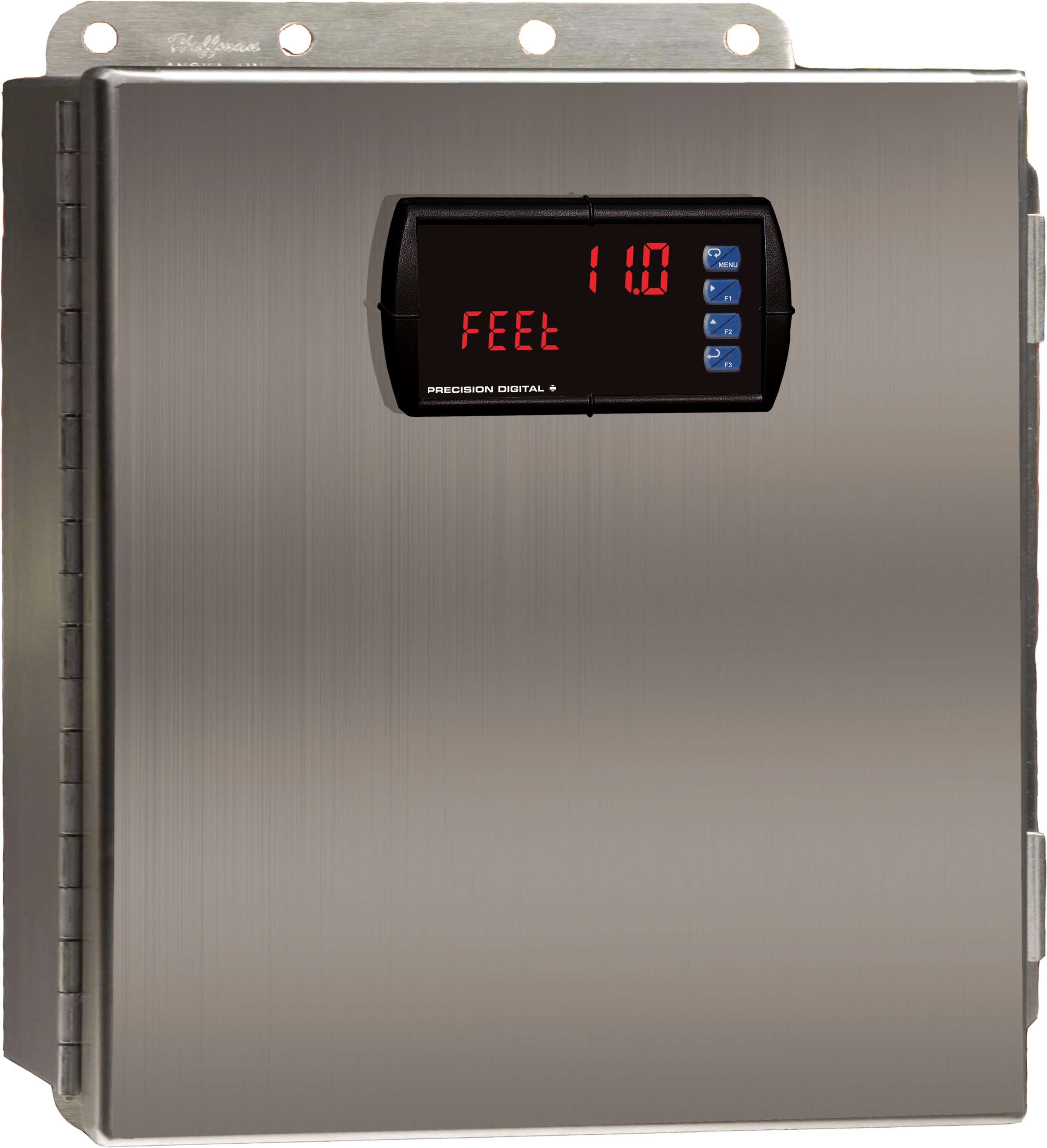
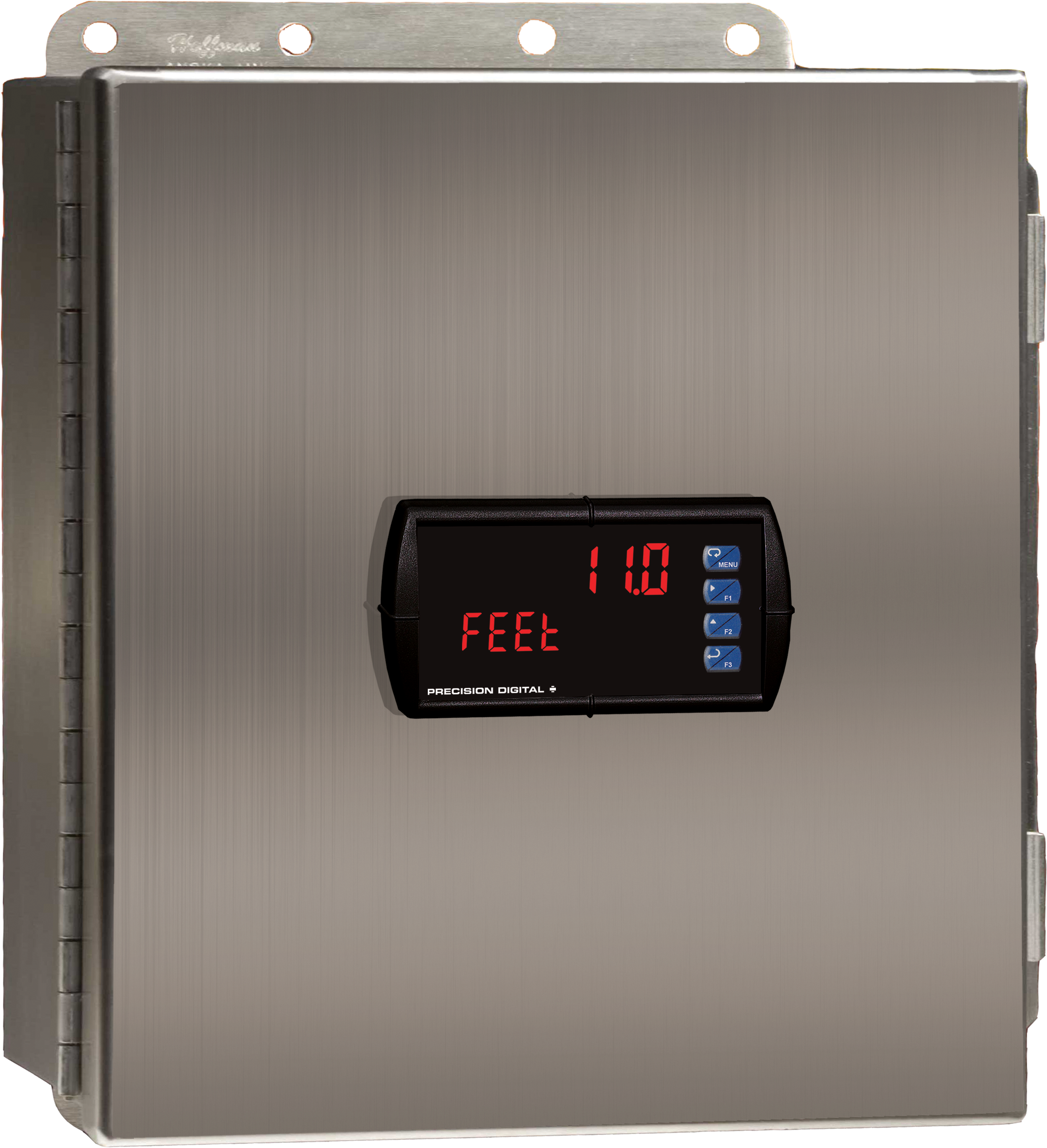
PDA2604-1C
Stainless Steel UL Type 4X Enclosure with (1) Centered Horizontal 1/8 DIN Cutout
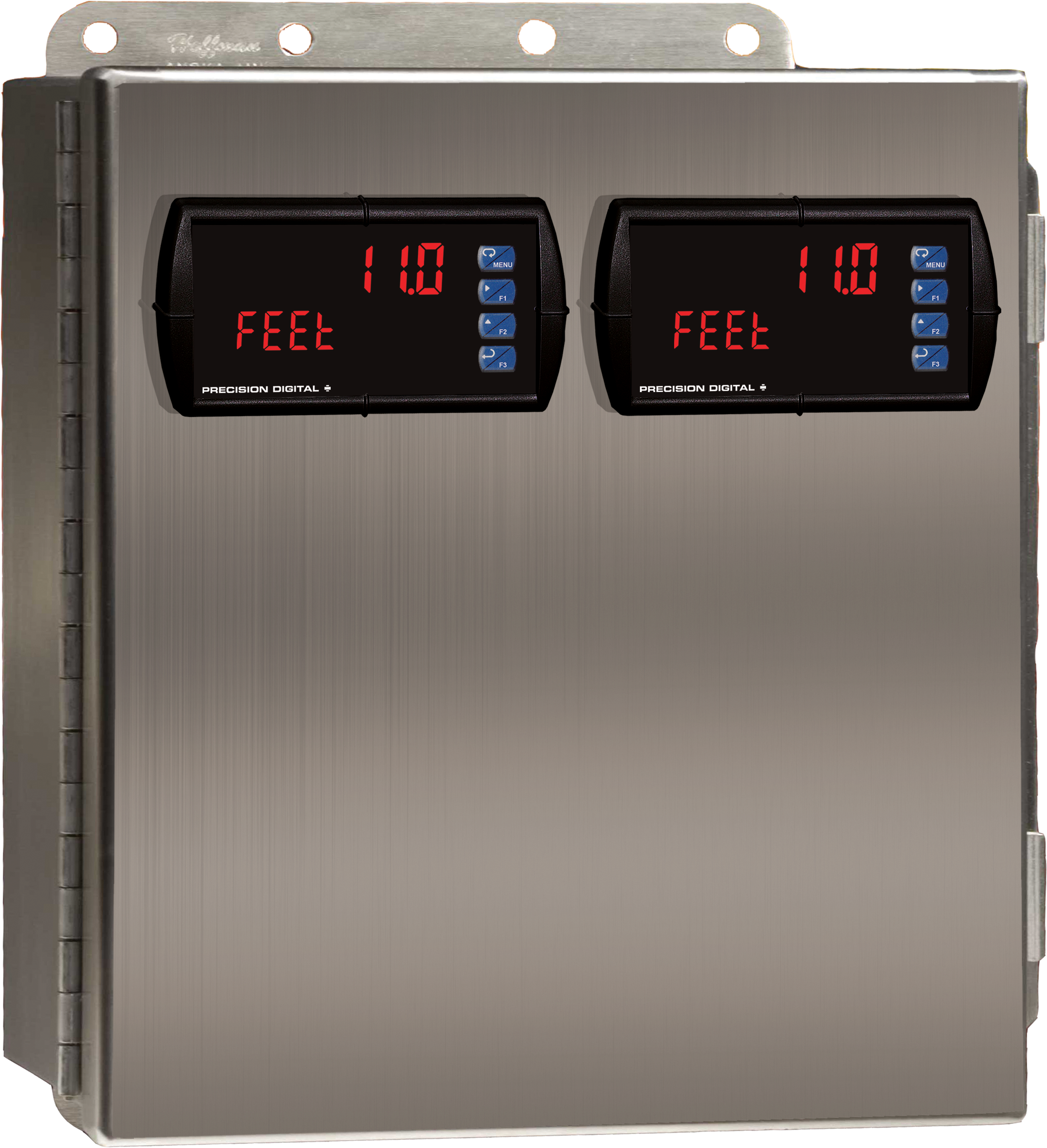
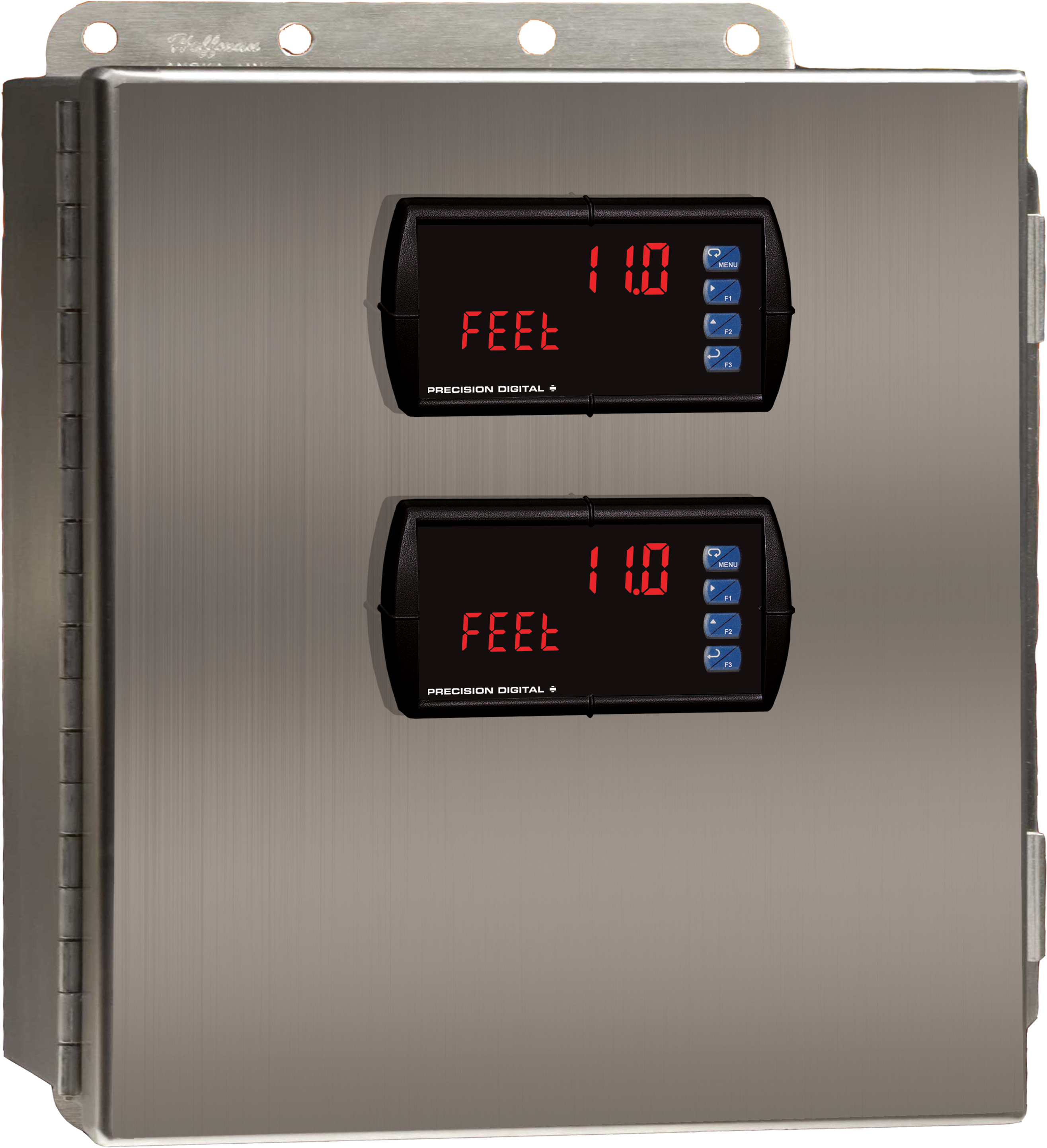
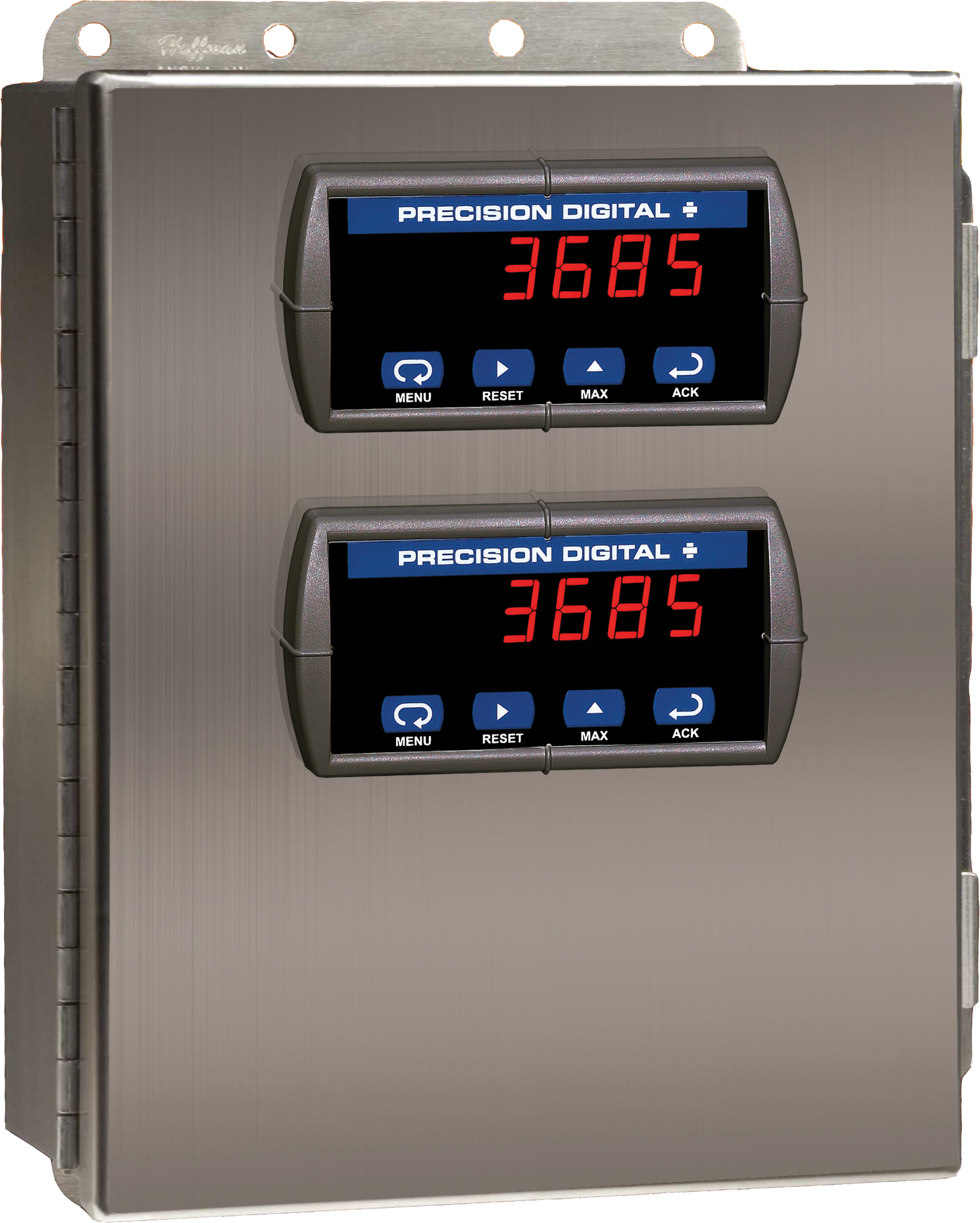
PDA2604-2C
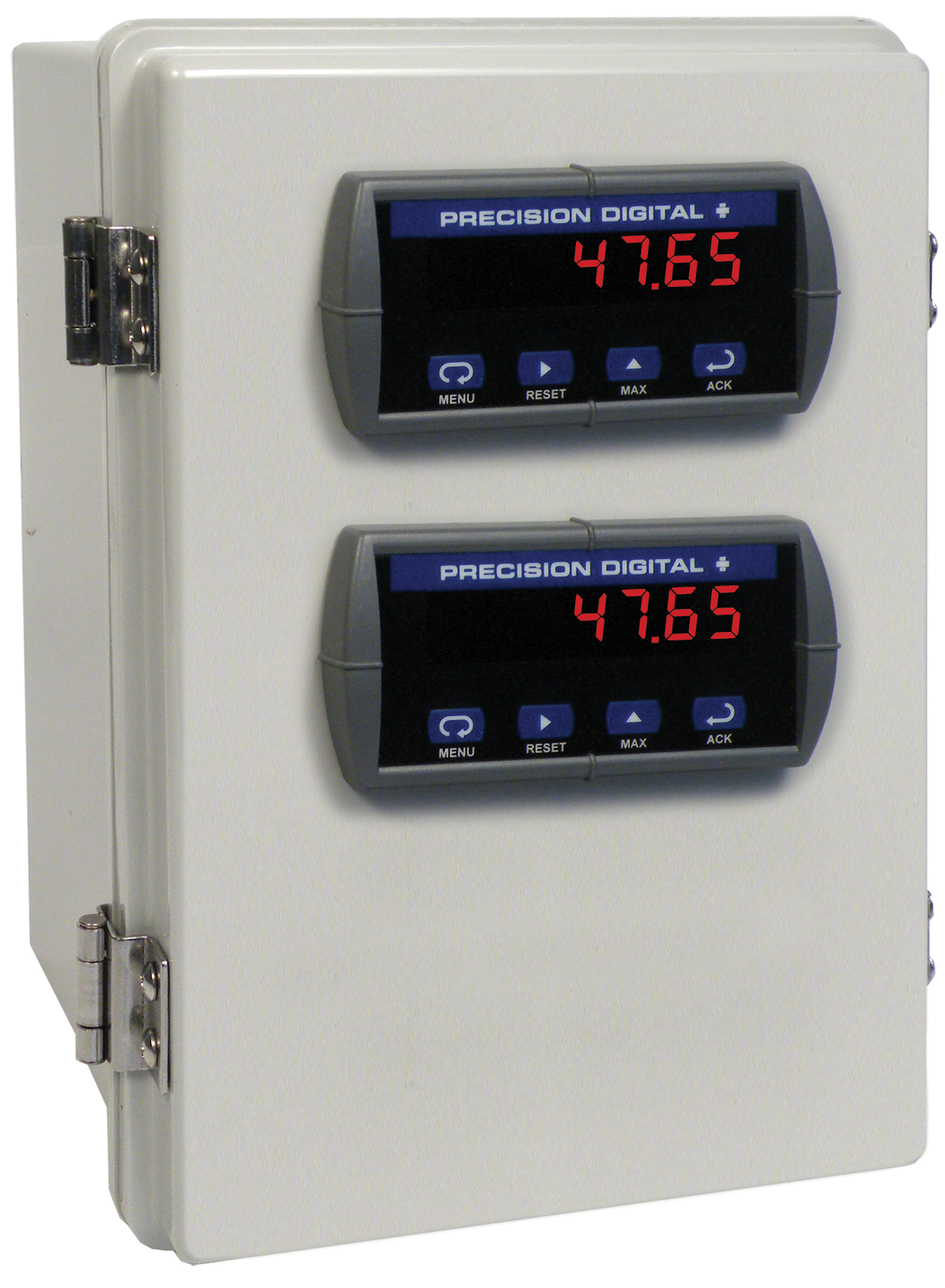
Stainless Steel UL Type 4X Enclosure with (2) Centered Horizontal 1/8 DIN Cutouts
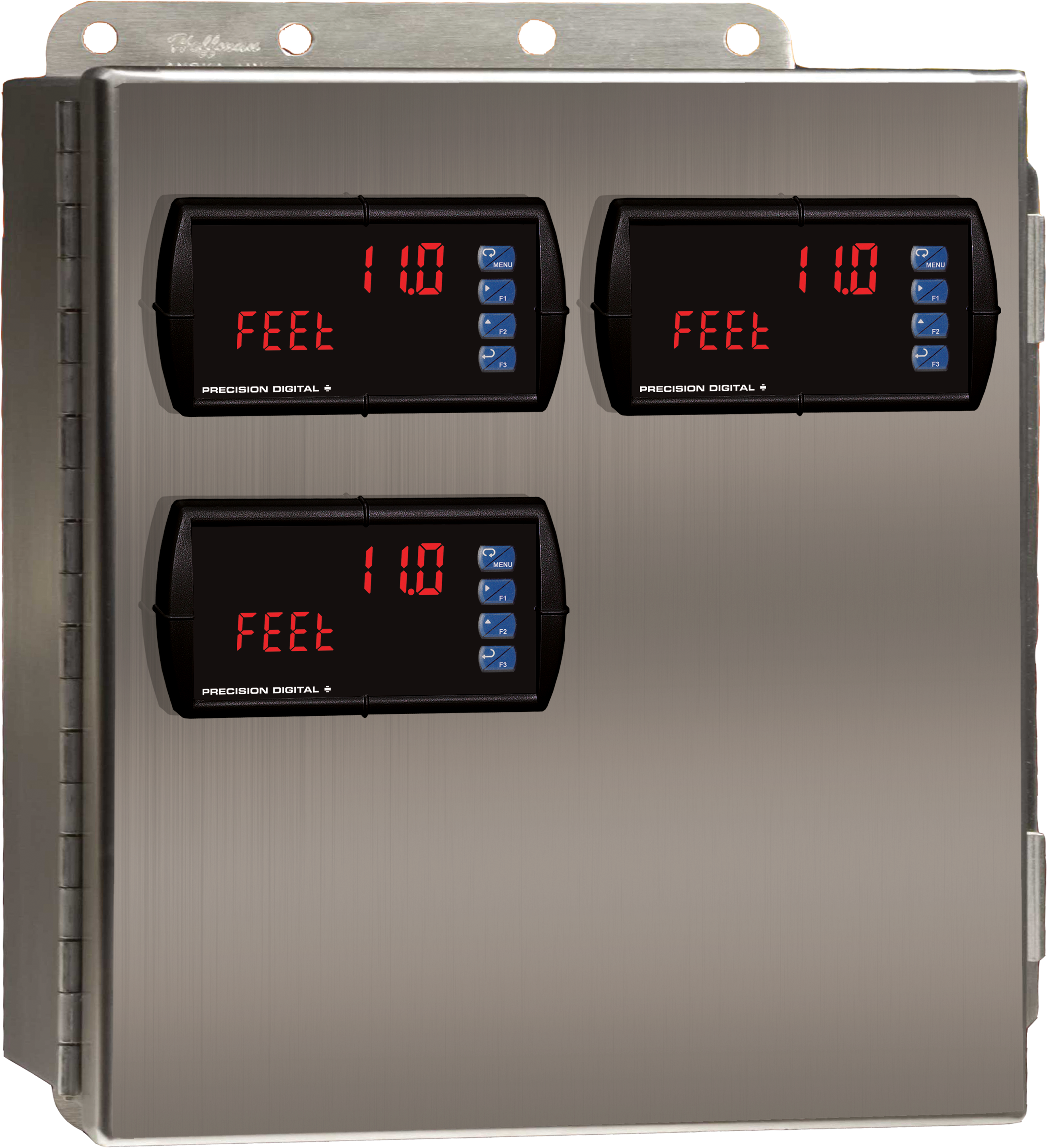
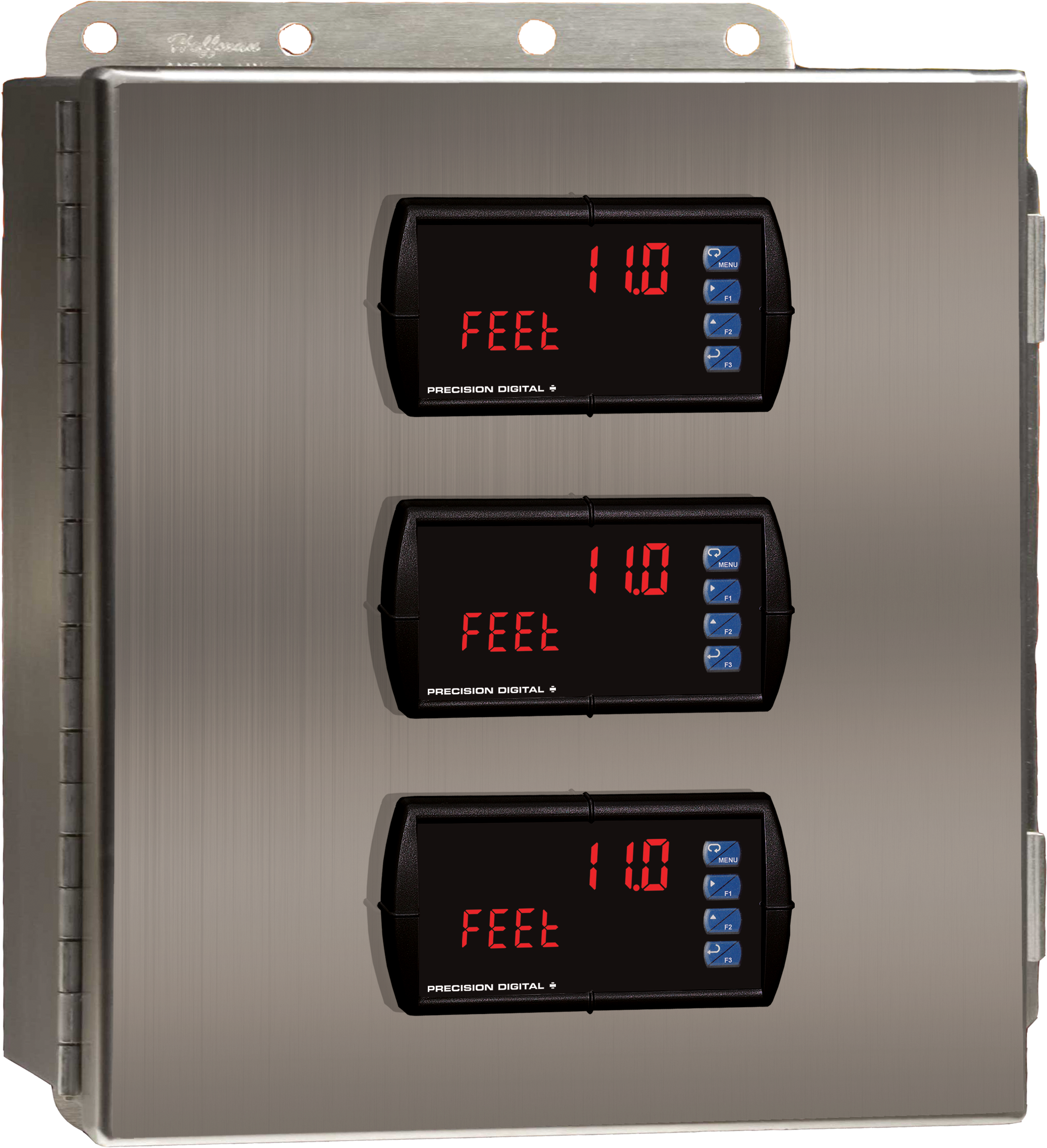
PDA2604-3C
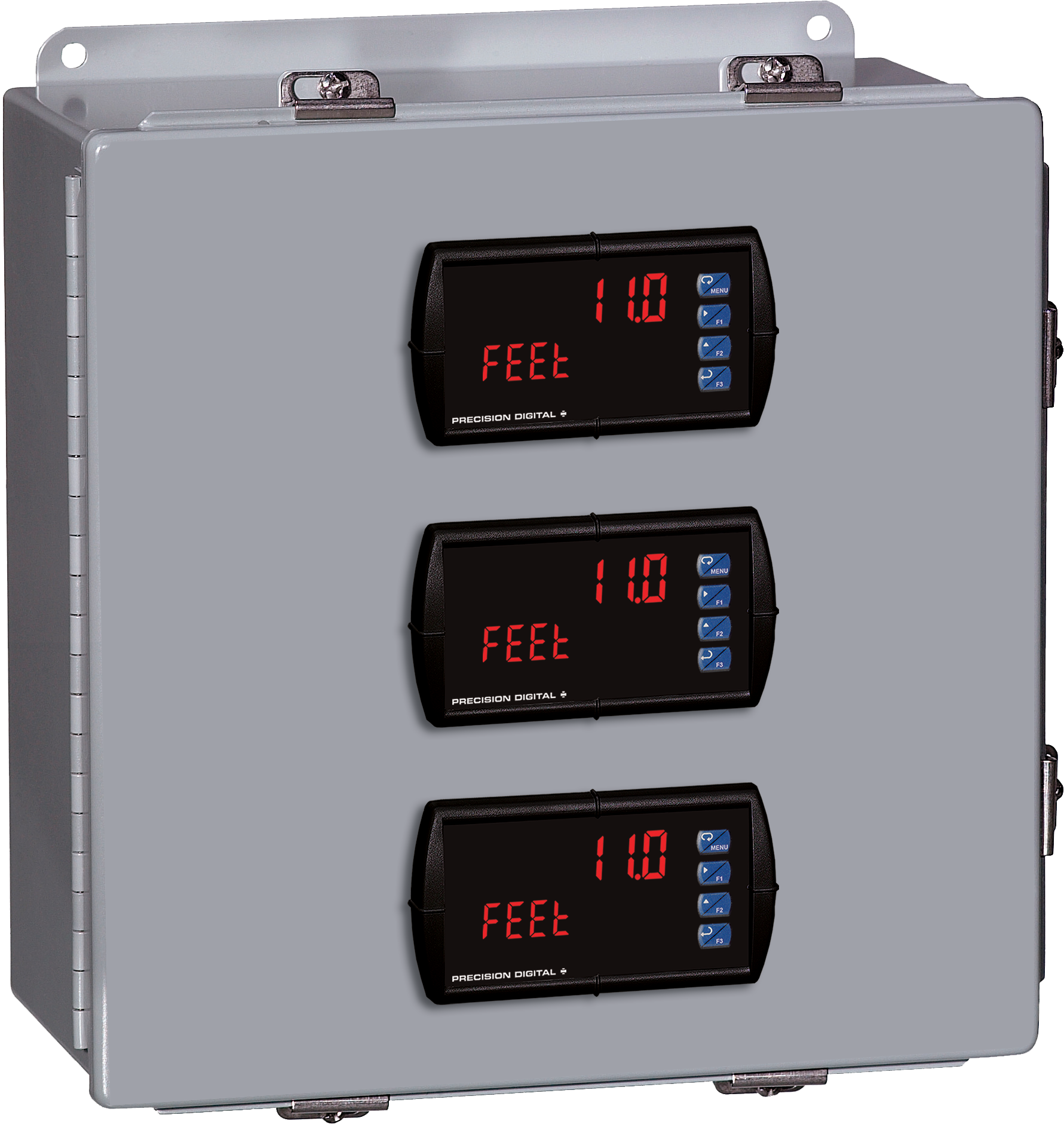
Stainless Steel UL Type 4X Enclosure with (3) Centered Horizontal 1/8 DIN Cutouts
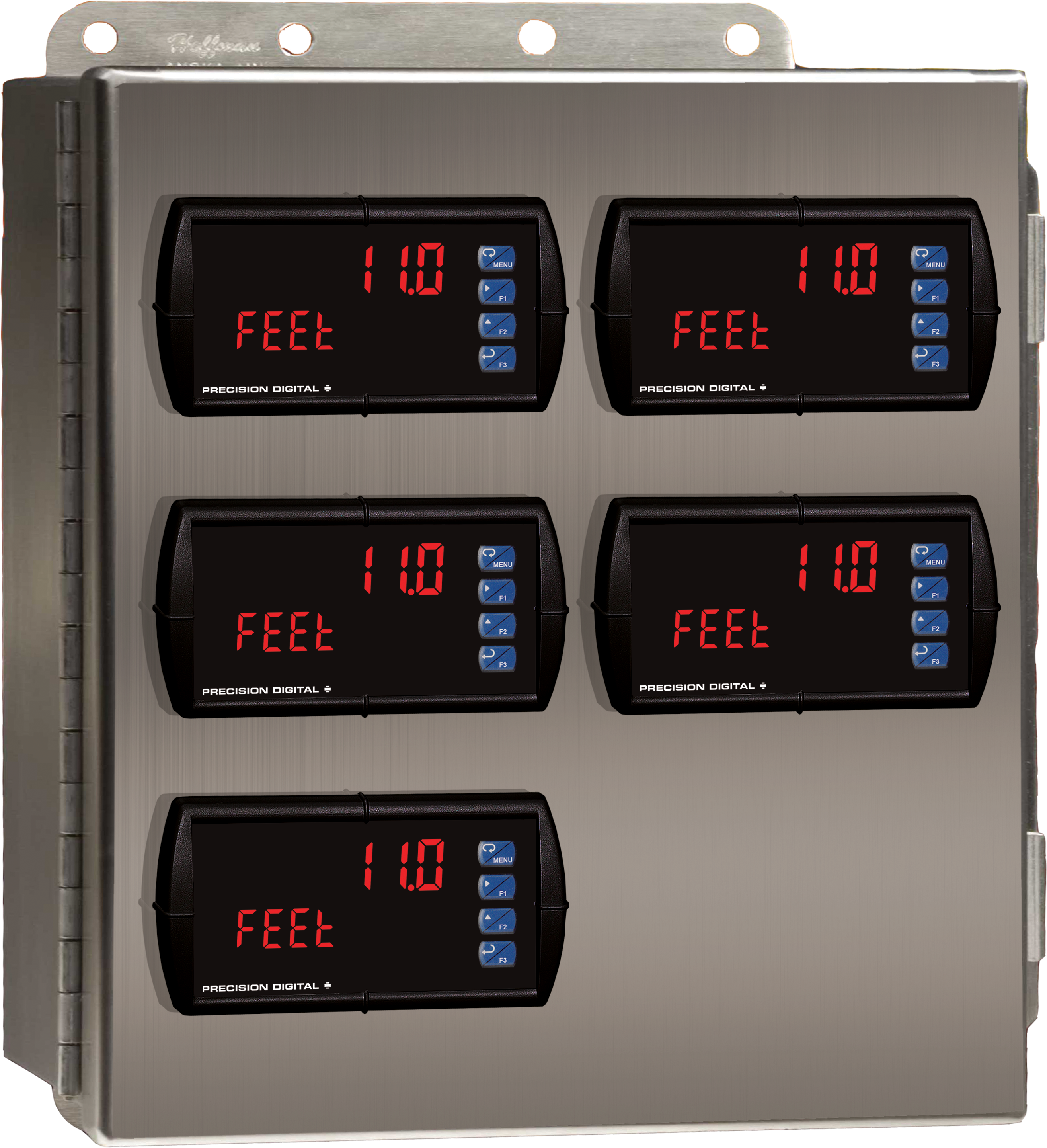
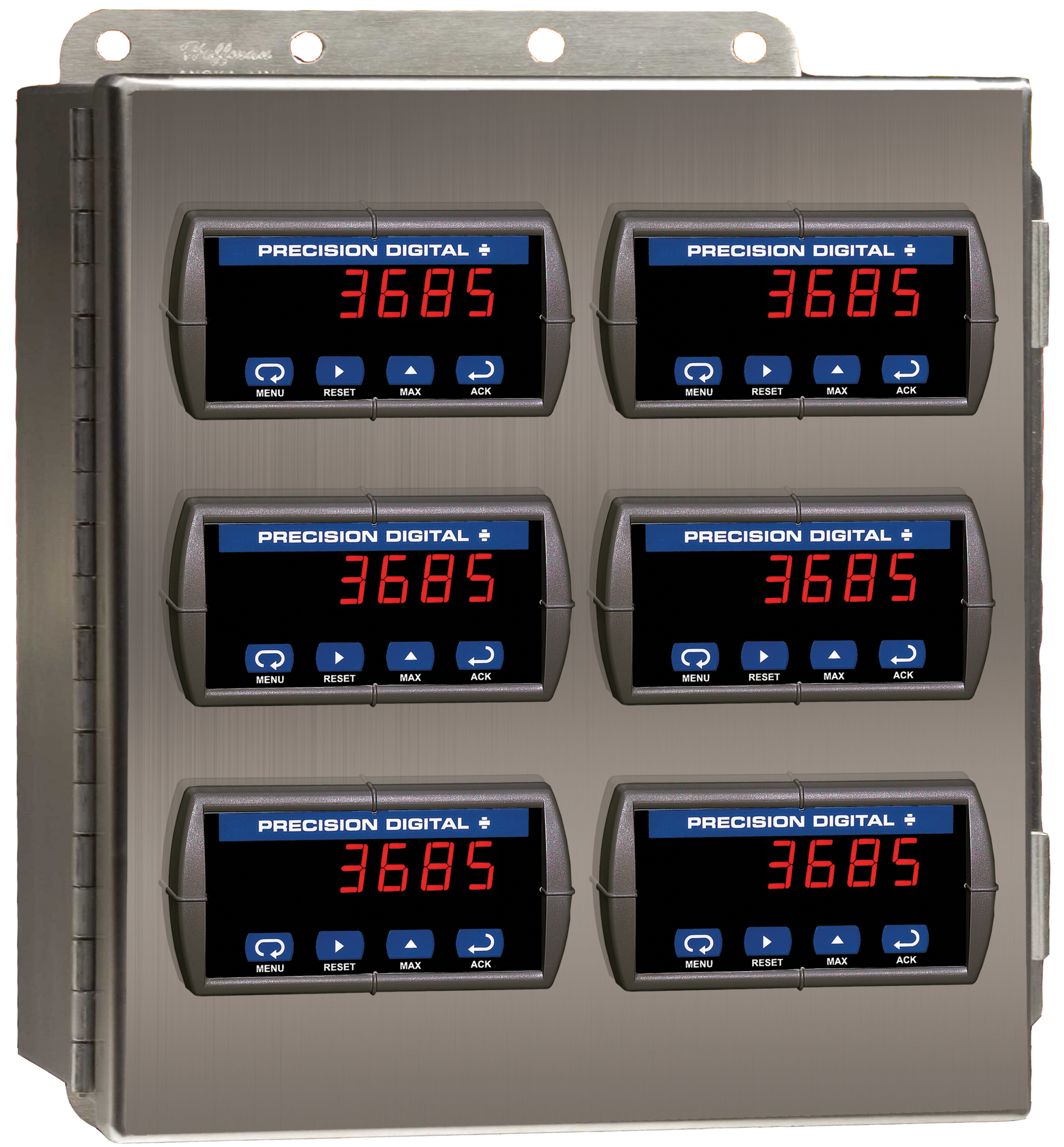

PDA2622
Stainless Steel UL Type 4X Enclosure with (1) Vertical and (1) Horizontal 1/8 DIN Cutouts
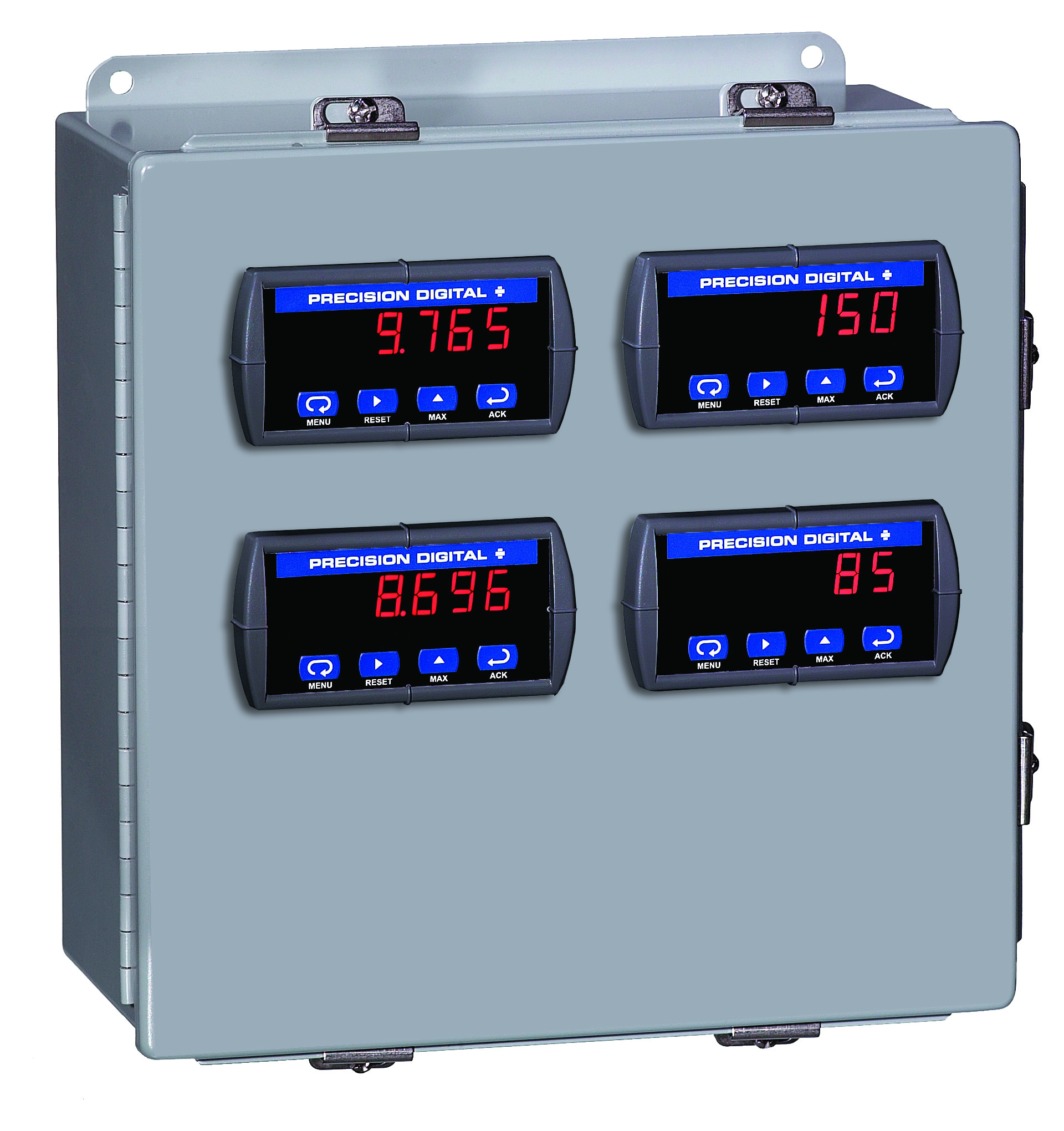
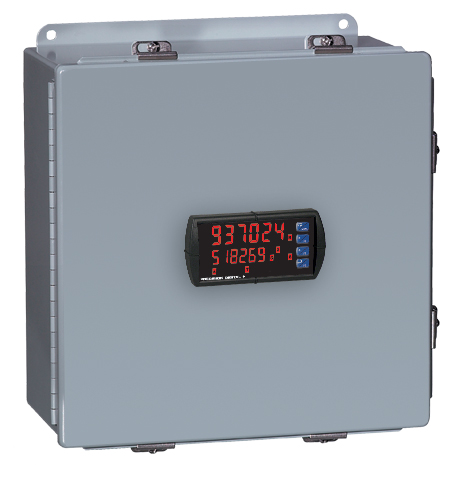
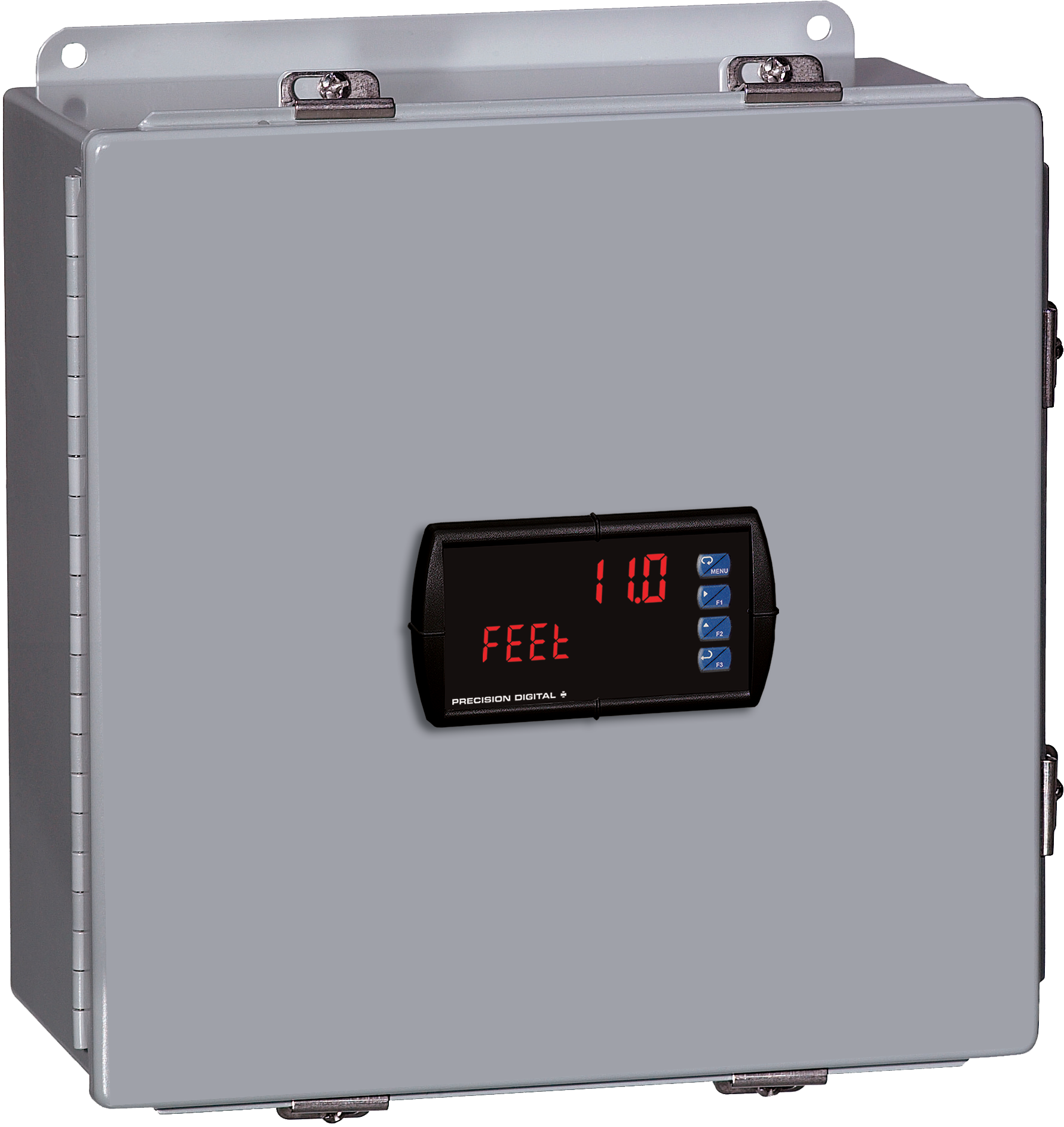
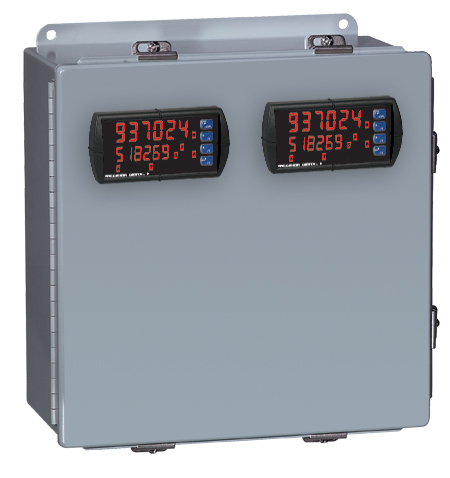
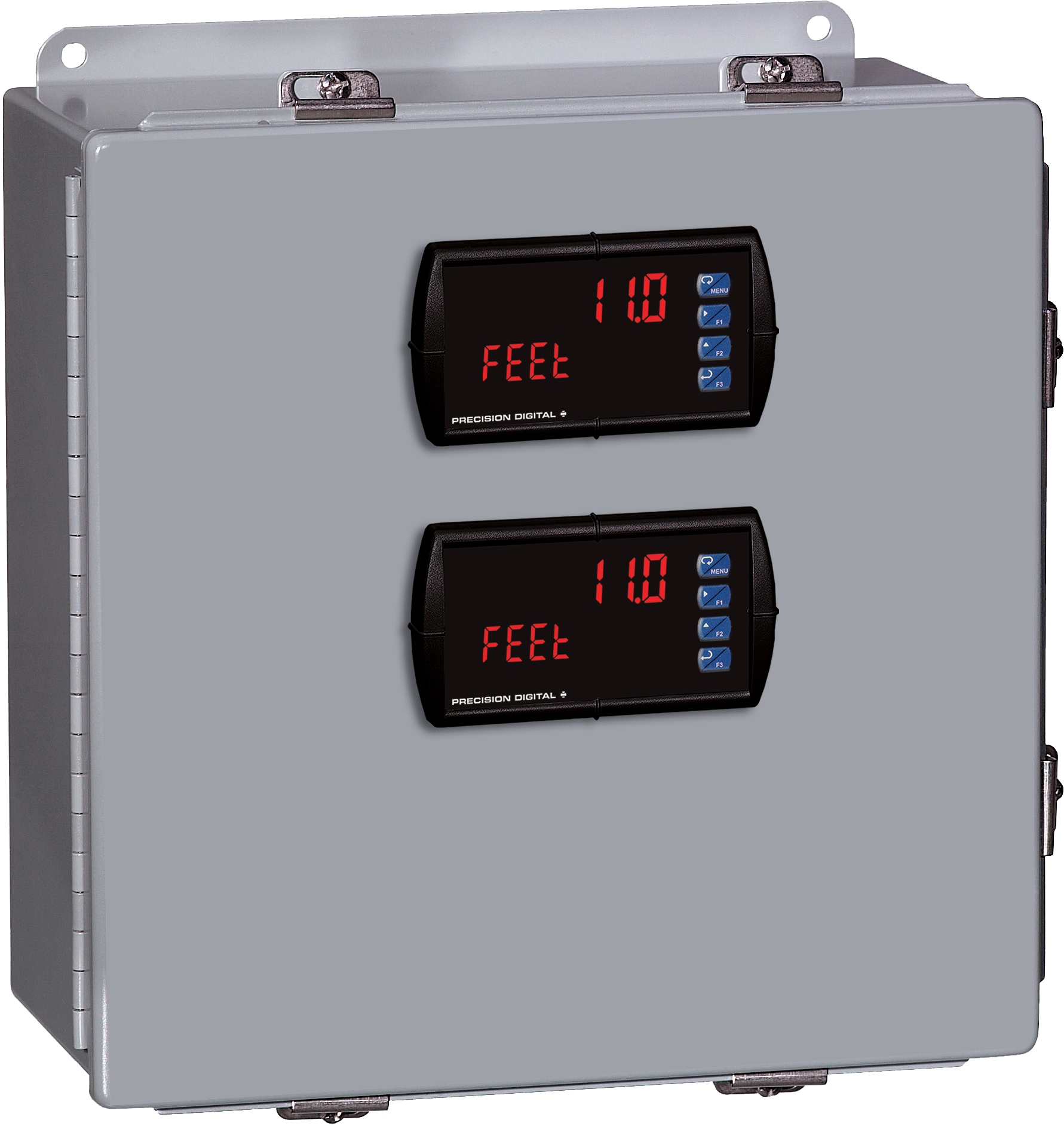


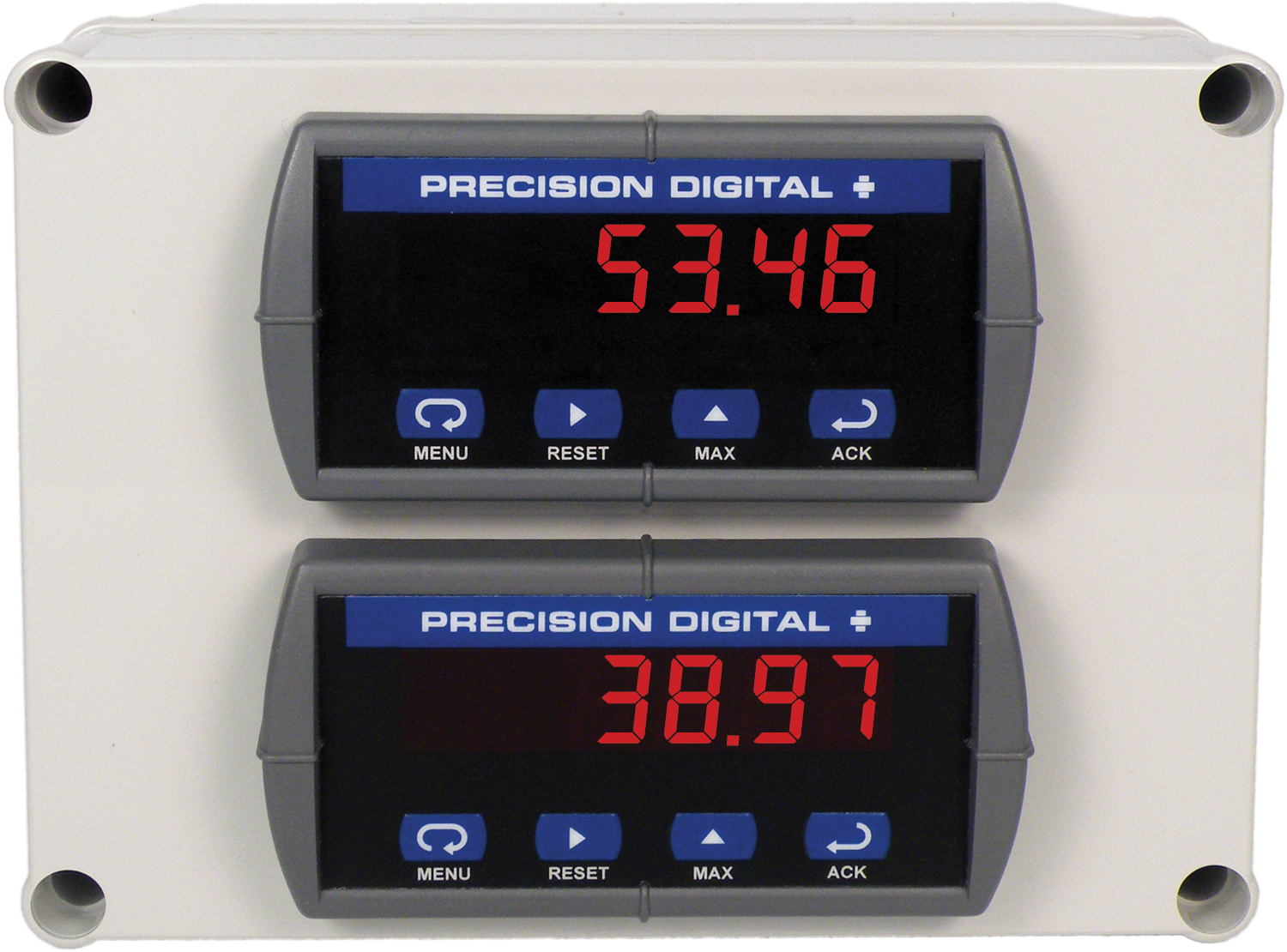
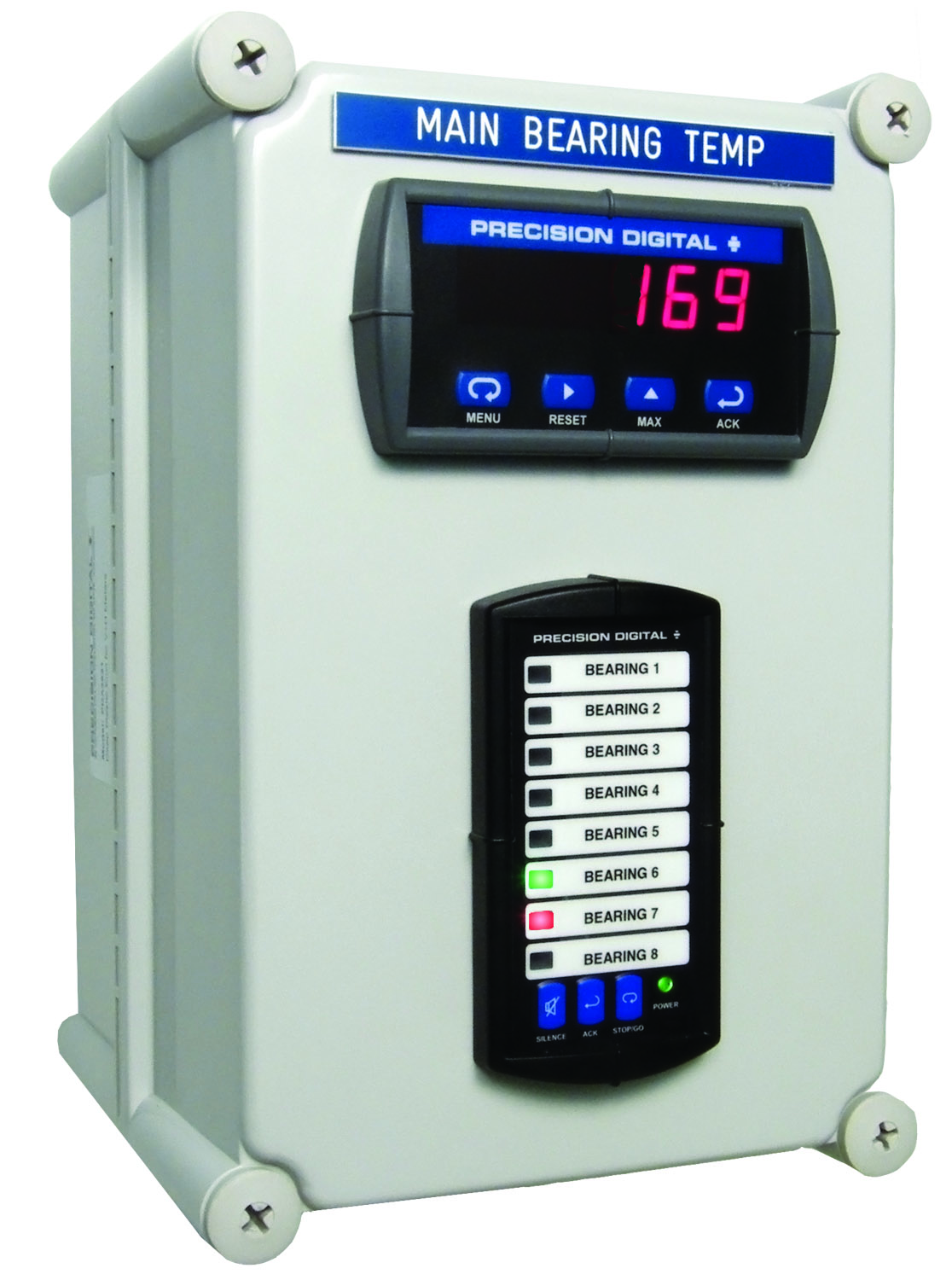
PDA2821
Plastic UL Type 4X Enclosure with (1) Vertical and (1) Horizontal 1/8 DIN Cutouts
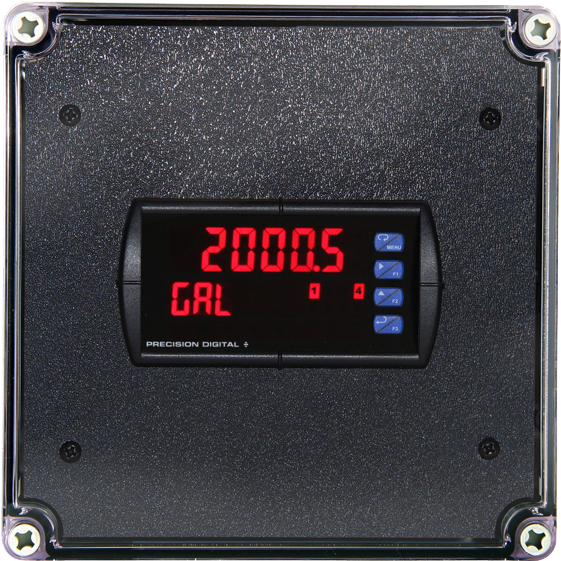
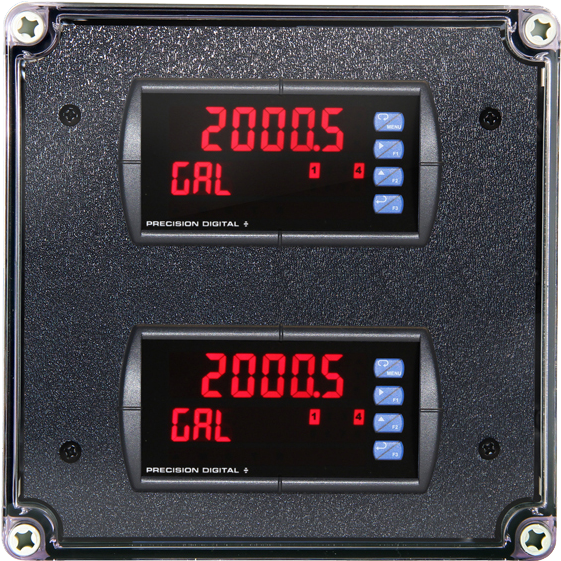
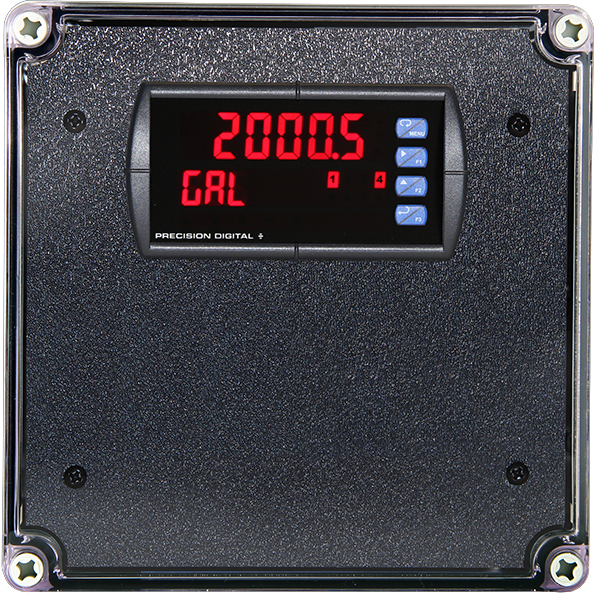
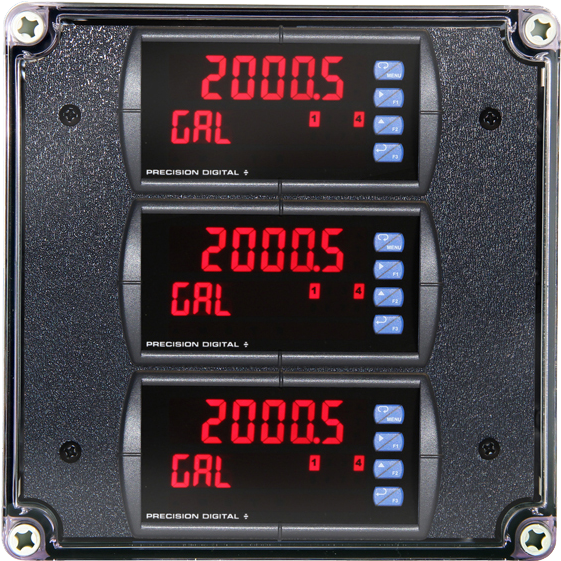
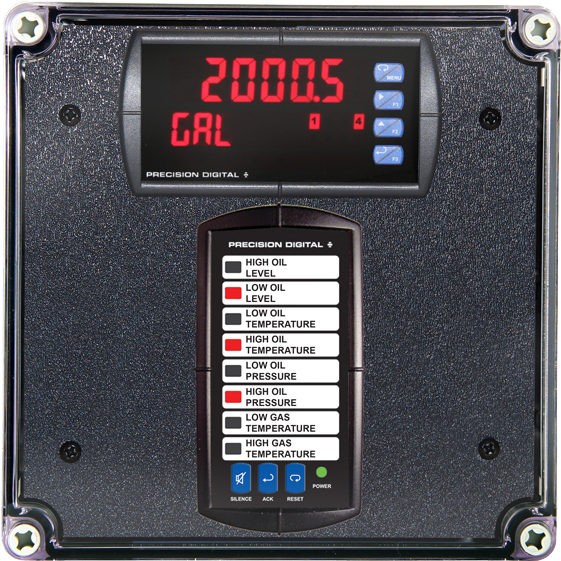
PDA3414
Plastic UL Type 4X Enclosure with (1) Vertical and (1) Horizontal 1/8 DIN Cutouts